What is VISEO Bot Maker?
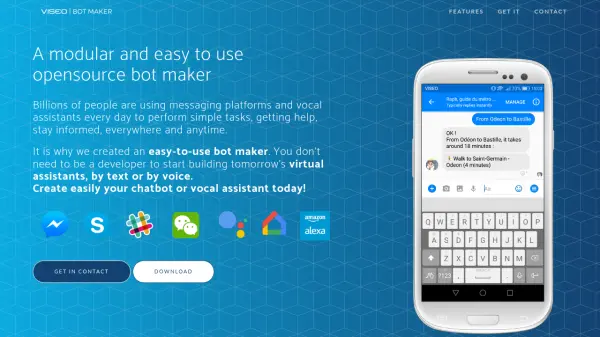
VISEO Bot Maker is an open-source platform designed to simplify the creation of chatbots and vocal assistants. It allows users to build virtual assistants for text and voice-based interactions without requiring extensive development expertise.
The platform separates conversation design from coding, enabling conversation designers to focus on user experience and content, while developers can integrate APIs and build custom business logic. VISEO Bot Maker supports deployment across multiple channels, including Messenger, Skype, Web, Google Assistant, and Amazon Alexa. The platform is built on reliable open-source technologies, such as the Microsoft Bot Framework and Docker, ensuring security and reliability.
Features
- Easy to use: Simplifies the bot creation process by separating conversation design and coding.
- Modular and multichannel: Supports deployment on various text and voice channels (Messenger, Skype, Web, Google Assistant, Amazon Alexa).
- Open source and secure: Built on reliable open-source technologies like Microsoft Bot Framework and Docker.
- Collaboration: Enables both conversation designers and developers to collaborate effectively.
Use Cases
- Creating chatbots for customer service.
- Developing vocal assistants for smart home devices.
- Building virtual assistants for information retrieval.
- Automating tasks through messaging platforms.
- Creating interactive experiences on websites.