What is Virtual Try-on?
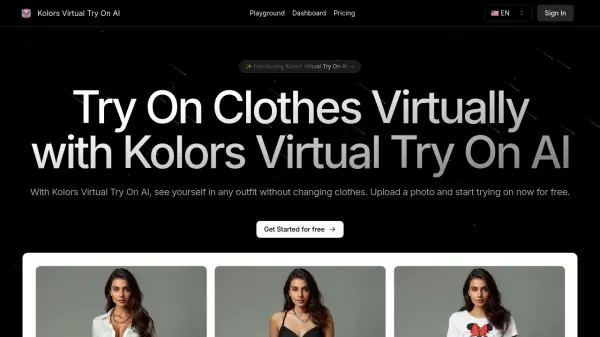
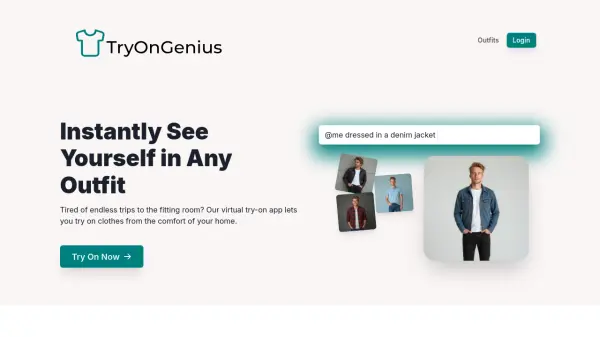
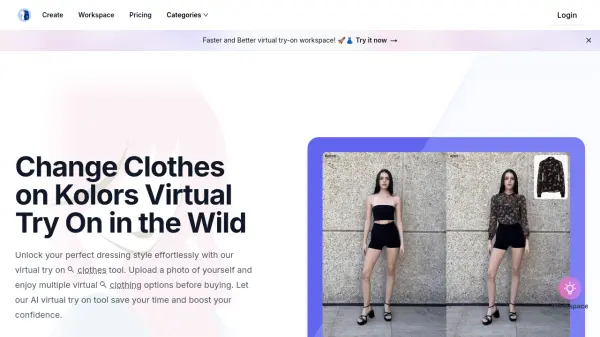
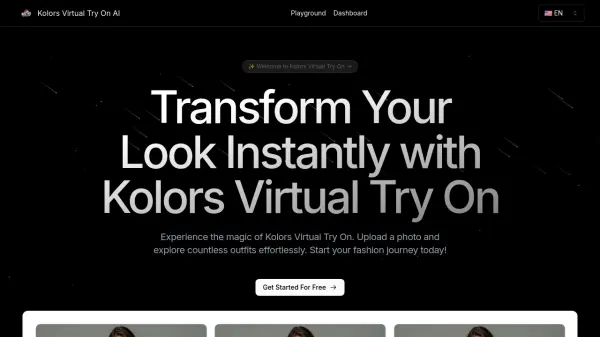
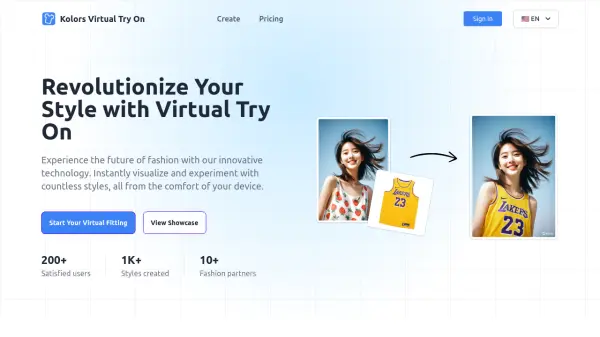
Virtual Try-on provides an innovative solution for online shoppers using AI technology. Users can upload a personal photograph along with an image of a clothing item they are interested in. The tool then quickly generates a realistic preview, showing how the garment would look on the user's body shape. This process simulates a fitting room experience digitally, helping to bridge the gap between online browsing and physical shopping.
Featuring a seamless and user-friendly interface, the platform enables instant outfit visualization with just a few clicks. It offers the capability to adjust the size and positioning of the virtual garment on the user's photo, allowing for a more accurate representation of the potential fit. This functionality aims to enhance shopping confidence, reduce the likelihood of returns, and make exploring personal style easier and more interactive, all from the convenience of home.
Features
- Instant Outfit Visualization: Upload personal and garment photos to see an instant preview.
- Seamless User Interface: Straightforward and easy-to-use interface for quick results.
- Custom Fit Adjustment: Modify the size and position of the virtual garment for a better fit representation.
- Real-time Rendering: Experience rapid outfit changes and visualizations.
- Mobile-Friendly: Optimized for use on smartphones and tablets.
- Image Sharing: Option to share the generated virtual try-on images.
Use Cases
- Making informed online shopping decisions.
- Exploring personal fashion styles virtually.
- Visualizing outfits before making a purchase.
- Reducing the need for returning online clothing orders.
- Sharing potential outfit combinations with others.
FAQs
-
How do I use the Virtual Try-On tool?
Upload a photo of yourself and a separate image of the garment. The tool will generate an image of you wearing the garment within seconds. -
What types of images can I upload?
You can upload standard image files such as JPEG, PNG, or BMP with clear, front-facing photos for the best results. -
How long does it take to generate the virtual try-on image?
The process usually takes just a few seconds, depending on your internet connection and image size. -
Can I adjust the fit of the garment on my photo?
Yes, the tool allows you to adjust the garment's size and positioning for a more accurate fit. -
What is the best way to take a photo for Virtual Try-On?
For the best results, use a clear, front-facing photo with good lighting and minimal background distractions.