TryOnGenius favicon

TryOnGenius
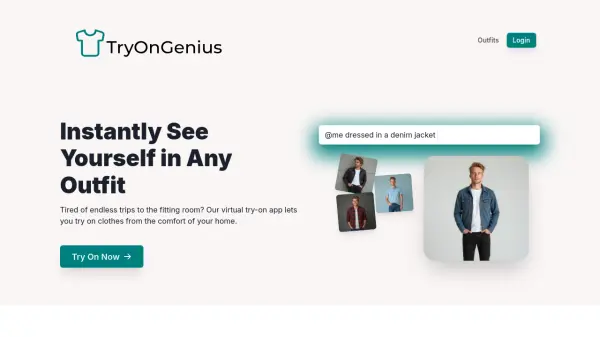
Instantly See Yourself in Any Outfit

What is TryOnGenius?

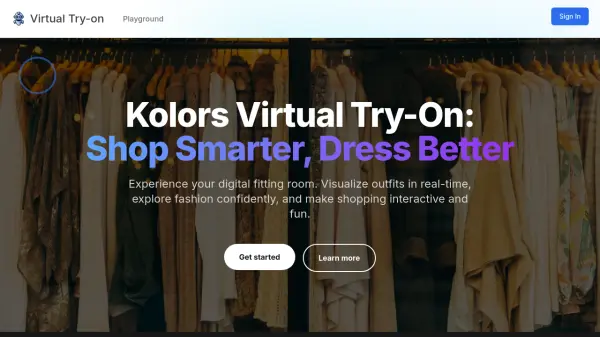
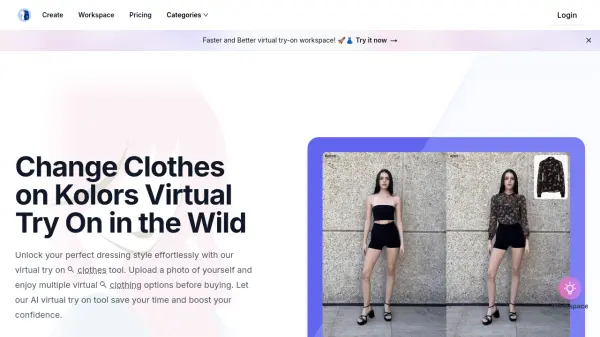
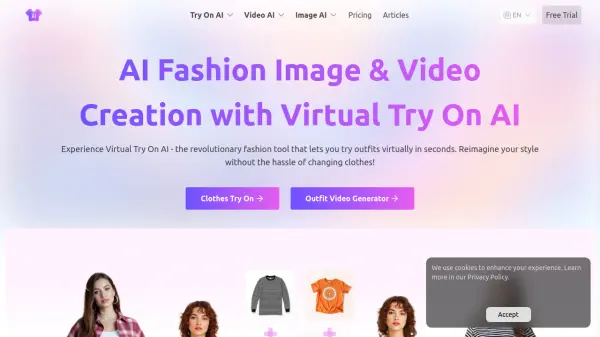
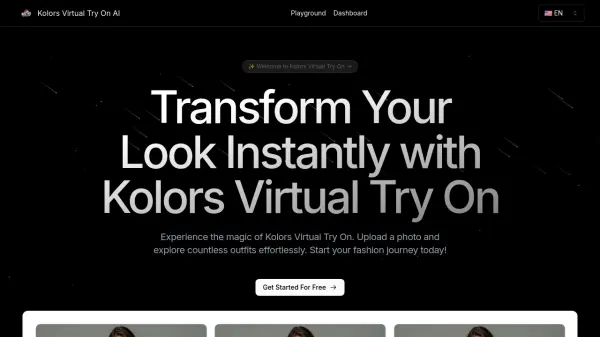
TryOnGenius offers a revolutionary approach to trying on clothes. By leveraging the power of artificial intelligence, this application provides a virtual fitting room experience. Users simply upload their photos, and the AI creates a custom model to visualize how different outfits would look on them.

This tool eliminates the hassle of traditional fitting rooms. TryOnGenius is accessible from anywhere, saving time and enhancing the shopping experience.

Features

  • Custom AI Model: Creates a personalized AI model based on user-uploaded photos.
  • Outfit Visualizations: Allows users to virtually try on clothes.
  • Custom Outfit Prompts: Users can create custom outfit prompts.

Use Cases

  • Trying on clothes virtually before purchasing online.
  • Visualizing different outfit combinations without physically changing clothes.
  • Creating custom outfits.
  • Exploring different fashion styles.
Related Tools:

Blogs:

  • Boost Engagement in Ads with AI

    Boost Engagement in Ads with AI

    Discover how AI music and AI SDR agents are reshaping modern advertising. Learn how emotional resonance through AI-generated soundtracks combined with smart, automated sales outreach can turn viewers into loyal customers faster, cheaper, and more personally than ever before.

  • Chat with PDF AI Tools

    Chat with PDF AI Tools

    Easily interact with your PDF documents using our advanced AI-powered tool. Whether you're reading lengthy reports, research papers, contracts, or eBooks, our platform lets you chat directly with your PDF files, ask questions, extract insights, and get summaries in real-time.

  • Top 6 AI note-taking tools for 2026: in-person, online, and hybrid use cases

    Top 6 AI note-taking tools for 2026: in-person, online, and hybrid use cases

    Most AI note-taking lists are really lists of meeting bots, which join your video call and transcribe it. That's useful, but it's half the picture. Decisions happen in hallway conversations, client dinners, on-site visits, and hybrid rooms where nobody is on a video link. This guide covers different parts of the note-taking workflow: hardware capture for in-person settings, platform-native tools for online calls, and AI layers for organizing and synthesizing what you've captured. It compares six tools by capture context, workflow fit, pricing, and limitations.

Didn't find tool you were looking for?

Be as detailed as possible for better results