What is Videograph Portrait Pro?
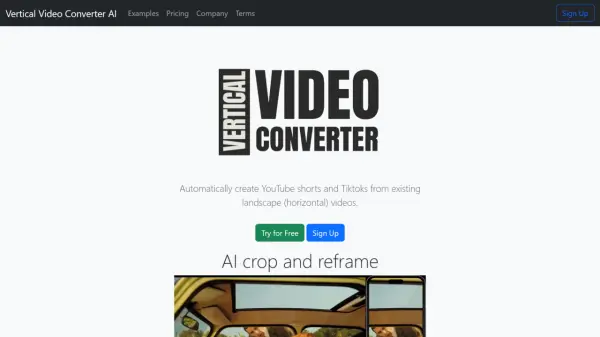
Portrait Pro leverages advanced AI technology to automate the video orientation conversion process, transforming landscape videos into portrait format without manual editing. The tool ensures seamless transitions while maintaining video quality and content integrity.
The platform integrates with a comprehensive suite of video management features, including 4K transcoding, content tagging, and advanced analytics capabilities. This solution streamlines the video adaptation process for social media platforms, particularly optimizing content for platforms that prefer portrait orientation.
Features
- AI-Powered Conversion: Automatic landscape to portrait video transformation
- Quick Processing: Video conversion in seconds
- Social Media Optimization: Format adaptation for various platforms
- Quality Preservation: Maintains video integrity during conversion
- 4K Support: High-resolution video processing capabilities
Use Cases
- Social media content adaptation
- Instagram story creation
- TikTok video optimization
- Marketing content reformatting
- Digital content repurposing
FAQs
-
How much does it cost to process videos with Portrait Pro?
Portrait Pro charges $0.04 per minute for encoding, $0.002 per minute for storage, and $0.0005 per minute for streaming. -
What video formats are supported for conversion?
The platform supports various input formats including .mp4, .mov, .m4v, .mpg, and other common video formats.