What is Video Tap?
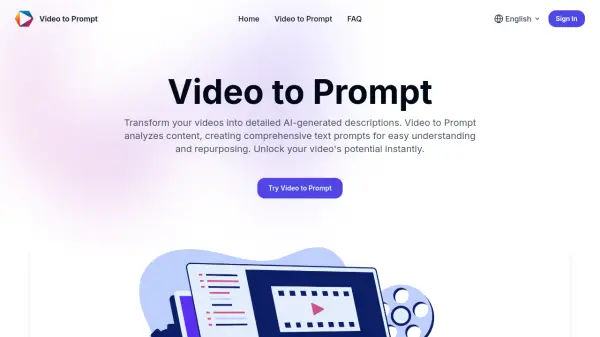
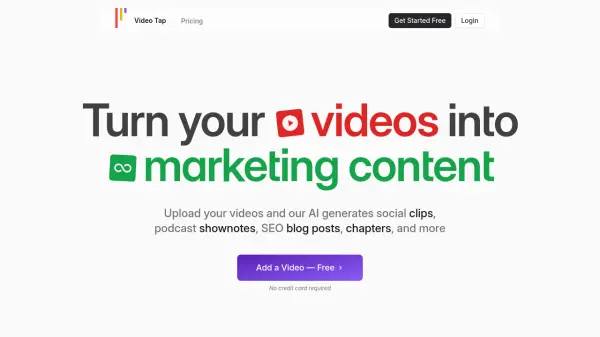
Video Tap leverages artificial intelligence to repurpose existing video content into diverse marketing materials. It streamlines content creation by automatically generating SEO-optimized blog posts, engaging social media clips, concise summaries, and comprehensive transcripts.
The platform supports multiple languages, facilitating a broader global reach. It features customizable outputs tailored for different platforms and offers collaborative tools, allowing marketing teams to efficiently create and manage their video marketing strategy.
Features
- SEO Articles: Generates blog posts and transcripts optimized for search engines.
- AI-Powered Clipping: Automatically creates short, engaging clips for various social media platforms.
- Multilingual Support: Offers content translation and subtitles in multiple languages.
- Customizable Outputs: Provides editing tools and templates to adapt content for different platforms.
- Team Collaboration: Allows team members to collaborate on content creation.
- Automated Content Generation: Creates various content types from a single video, including podcast notes, emails, and social media posts.
Use Cases
- Repurposing video content for multiple social media platforms.
- Creating SEO-optimized blog posts from video transcripts.
- Generating show notes and summaries for podcasts.
- Translating video content for a global audience.
- Streamlining content creation workflows for marketing teams.
- Automating video marketing processes.
FAQs
-
What languages do you support?
We currently support English, Spanish, French, German, Italian, Portugese, Dutch, Hindi, Japanese, and are working on more. -
How quickly can Video Tap turn my videos into content?
Typically, our system can generate content within a few minutes of uploading your video. However, this may vary depending on the length and complexity of the video. -
How accurate is the content generated from my videos?
Our proprietary AI algorithms have a high accuracy rate. However, as with any automated system, there might be some discrepancies. We always recommend reviewing the content before publishing. -
Can I preview the content generated before it's published?
Yes, you can. You'll see it all in your dashboard. Before any content is published, you'll have an opportunity to review, edit, and approve it. -
How does Video Tap handle my video and content data?
We take data privacy very seriously. Your videos and generated content are securely stored and are never shared with third parties.