What is Video Insight Pro?
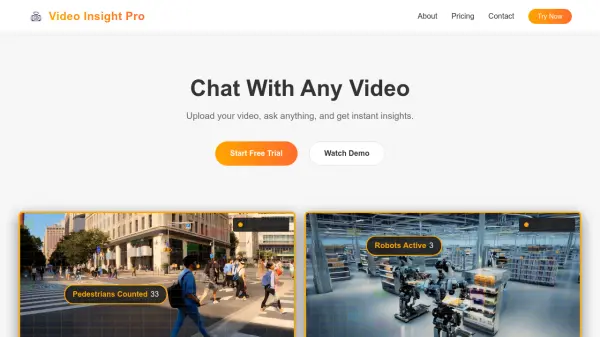
This platform leverages Artificial Intelligence to enable users to interact directly with their video content. By uploading video files, users can pose questions and receive immediate insights, effectively transforming video data into actionable information. The system supports the analysis of multiple videos concurrently, eliminating processing queues and delays for efficient workflow.
It offers reusable templates tailored for various analytical tasks. Users can define their analysis instructions once and apply them across numerous videos. This functionality caters to diverse applications, including understanding marketing content virality, analyzing traffic incidents, generating summaries and timestamps for media creators, breaking down sports performance, evaluating factory operations, and optimizing city planning through infrastructure analysis.
Features
- Chat With Videos: Ask any question and unlock video insights with AI.
- Multi-Video Analysis: Analyze multiple videos in parallel without queues or delays.
- Reusable Templates: Define analysis instructions once and apply them to multiple videos.
- Batch Analysis: Process multiple videos simultaneously.
- Multiple AI Models: Offers standard and advanced AI models based on the plan.
Use Cases
- Analyze marketing content to understand virality factors and emotional hooks.
- Evaluate traffic footage to generate incident reports and analyze flow.
- Generate scene summaries, Q&A, and timestamps for long-form media content.
- Break down sports team performance and identify tactical areas for improvement.
- Analyze factory or warehouse footage for security, workflow optimization, and inventory checks.
- Optimize urban mobility and analyze pedestrian flows for city planning.