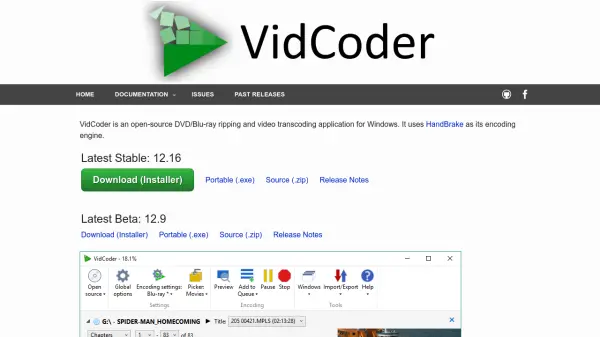
What is VidCoder?
VidCoder is an open-source application designed for DVD and Blu-ray ripping as well as video transcoding on Windows operating systems. It leverages the HandBrake encoding engine to provide a comprehensive solution for converting video files into various formats. The tool supports multiple containers like MP4 and MKV, along with a wide range of video codecs including AV1, H.265, and H.264, and audio codecs such as AAC and FLAC.
It features hardware-accelerated encoding with support for AMD VCE, Nvidia NVENC, and Intel QuickSync, enhancing performance and efficiency. Users can encode videos with options for target bitrate, size, or quality, and apply filters like decomb and deinterlace. The application includes powerful batch encoding capabilities, a folder watcher for automatic encoding, and customizable pickers for streamlined workflow management.
Features
- Hardware-Accelerated Encoding: Supports AMD VCE, Nvidia NVENC, and Intel QuickSync for faster processing
- Batch Encoding: Allows simultaneous encodes for efficient handling of multiple files
- Customizable Pickers: Automatically selects audio and subtitle tracks, destinations, and titles based on user preferences
- Folder Watcher: Automatically encodes videos from monitored folders without manual intervention
- Video Quality Options: Offers target bitrate, size, or quality settings for precise output control
Use Cases
- Converting DVD or Blu-ray discs to digital formats like MP4 or MKV
- Transcoding video files for compatibility with different devices or platforms
- Batch processing multiple video files simultaneously to save time
- Automatically encoding videos from a watched folder for streamlined workflows
- Applying video filters such as deinterlacing or rotation to improve video quality
FAQs
-
What are the system requirements for running VidCoder?
VidCoder runs on 64-bit versions of Windows 10 and 11 and requires the .NET 8 Desktop Runtime, which it can prompt to install if missing. -
Does VidCoder include encryption removal for commercial discs?
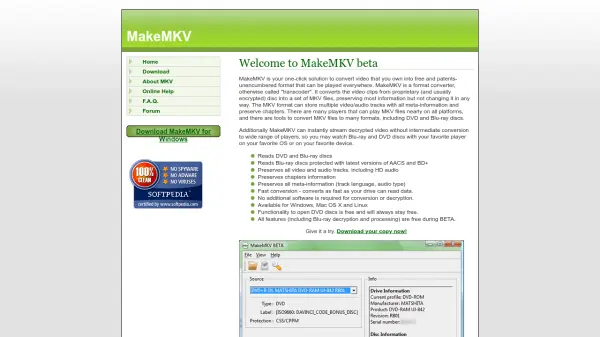
No, VidCoder does not defeat encryption on commercial Blu-rays or DVDs; users need third-party tools like MakeMKV or Passkey for that purpose. -
Can VidCoder encode videos without installing HandBrake separately?
Yes, VidCoder uses HandBrake as its encoding engine but does not require a separate HandBrake installation to function. -
What languages does VidCoder support?
VidCoder supports multiple languages including English, Spanish, German, French, and many others, automatically selected based on OS settings or manually. -
How can users report bugs in VidCoder?
Users should first check if bugs occur in the official HandBrake client; if reproducible there, report to HandBrake, otherwise submit issues to VidCoder's platform.