
What is VerveLink?
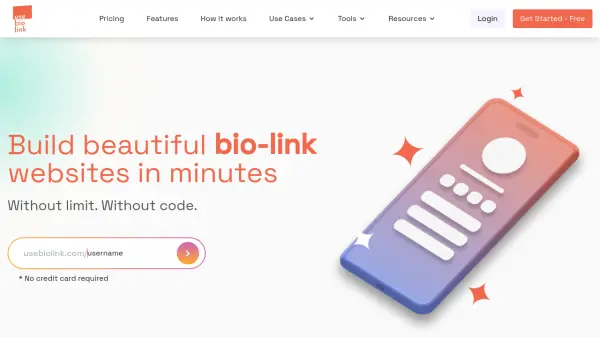
VerveLink is a user-friendly platform designed to help individuals and businesses create professional link-in-bio pages without any coding skills. It offers a simple and fast setup process, allowing users to build mobile-first pages in minutes. The tool centralizes all important links, social profiles, and websites into one cohesive page, making it ideal for enhancing online presence.
With VerveLink, users can showcase products or services using images, descriptions, and prices, embed videos from platforms like YouTube or Vimeo, and include formatted text content such as testimonials. The platform provides easy customization options with a theme editor to match brand aesthetics, ensuring a personalized and engaging experience for audiences.
Features
- No Code Required: Build pages without technical skills using a simple interface
- Mobile-First Design: Create responsive pages optimized for mobile devices
- Centralized Links: Combine social profiles, websites, and important links in one place
- Product Showcase: Display products or services with images, descriptions, and prices
- Video Embedding: Integrate YouTube or Vimeo videos to engage audiences
- Text Content Inclusion: Add detailed descriptions, testimonials, or formatted text
- Customizable Themes: Personalize pages with a theme editor to match brand aesthetics
- High-Converting Design: Utilize layouts designed to drive engagement and conversions
Use Cases
- Creating a centralized link-in-bio page for social media profiles
- Showcasing products or services for small businesses and creators
- Embedding promotional or educational videos to engage followers
- Building a personalized landing page for marketing campaigns
- Sharing multiple links and content in a single, organized page