What is Vella.ai?
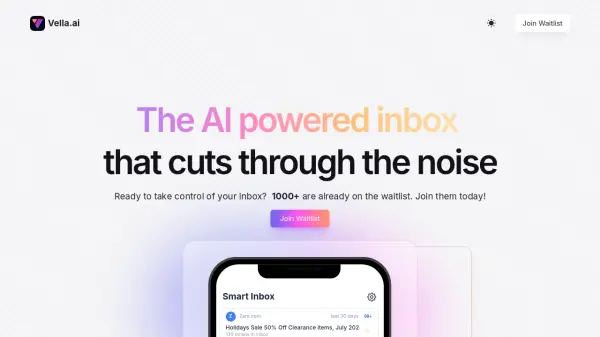
Vella.ai is an AI-powered email assistant designed to enhance your inbox management. It leverages artificial intelligence to help users save time, reduce clutter, and stay informed about important updates.
The platform offers a range of tools to streamline your email workflow, including automatic email categorization, the ability to filter out less important messages, and a curated content feed. Vella.ai aims to create a more user-friendly and privacy-respecting internet experience.
Features
- Auto-label emails: Quickly set up automatic categories and let us do the heavy lifting.
- Skip-Inbox Filters: Filter out the noise without deleting emails from your inbox.
- Personalized Content Feed: Stay in the loop without overloading your inbox with a dedicated feed of relevant content.
- Smart Inbox: Stay up-to-date with actionable and contextual widgets.
- Multiple emails -> one widget: Related emails are aggregated into one card.
- One-click actions: Take relevant actions in one click with proactive, context-aware actions.
Use Cases
- Managing a high volume of emails.
- Reducing email clutter and inbox noise.
- Staying informed about important updates without email overload.
- Improving email workflow efficiency.
- Aggregating information from multiple emails into one view.