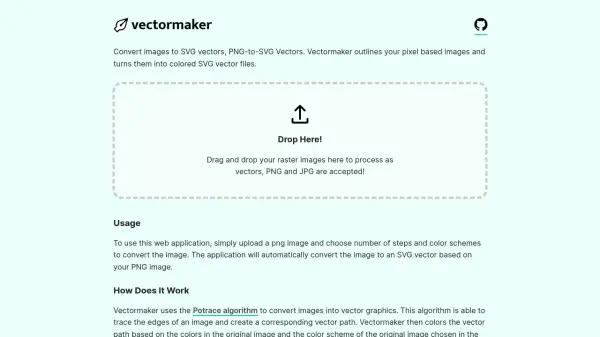
What is Vectormaker?
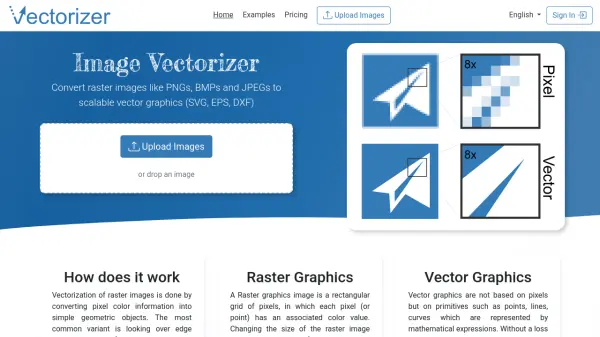
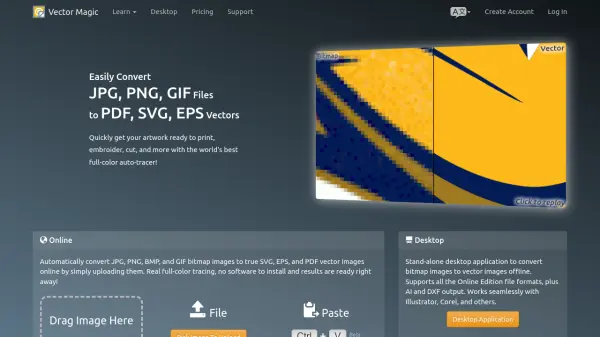
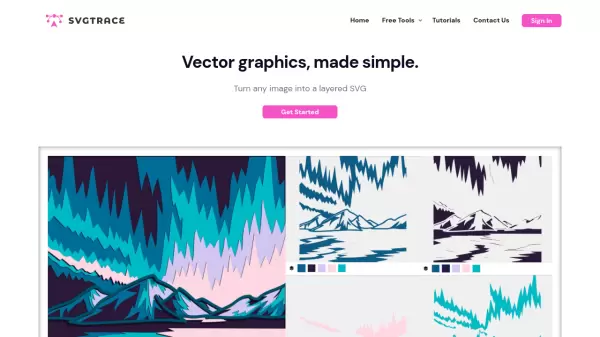
Vectormaker is a specialized web application designed to transform raster images into scalable vector graphics (SVG) through automated processing. It accepts PNG and JPG files, allowing users to upload images and select parameters such as steps and color schemes to generate vector outputs. The tool employs the Potrace algorithm to trace image edges and create vector paths, which are then colored based on the original image's palette and user preferences.
This application is particularly useful for converting pixel-based graphics like logos and icons into vector formats when original vector versions are unavailable. It also supports creating stylized flat artworks from photos or paintings, producing color-blocked designs reminiscent of artistic styles such as Banksy's. The output SVG files are provided under an "Unlicensed License," giving users full control over licensing, while the backend is released under the MIT License for community contributions.
Features
- Image Upload: Accepts PNG and JPG files for easy drag-and-drop processing
- Vector Conversion: Automatically transforms raster images into colored SVG vectors using the Potrace algorithm
- Customizable Settings: Allows selection of steps and color schemes to tailor vector output
- Scalable Output: Produces SVG files that maintain quality at any size for versatile use
Use Cases
- Converting raster logos to vector formats for branding and design
- Creating vector versions of icons for web and app development
- Generating stylized flat artworks from photos or paintings for artistic projects
- Producing scalable graphics for print materials like posters and banners
FAQs
-
What image formats does Vectormaker support for conversion?
Vectormaker supports PNG and JPG raster image formats for conversion to SVG vectors. -
How does Vectormaker color the vector paths in the output?
Vectormaker colors the vector paths based on the colors in the original image and the color scheme selected by the user during processing. -
Can Vectormaker be used for converting photos into vector art?
Yes, Vectormaker can convert photos into stylized flat artworks with color-blocked paths, similar to artistic styles like Banksy's. -
What license applies to the SVG vectors generated by Vectormaker?
The output SVG vectors are provided under an "Unlicensed License," allowing users to license them as they see fit, with no warranty from the tool.