Variart favicon

Variart
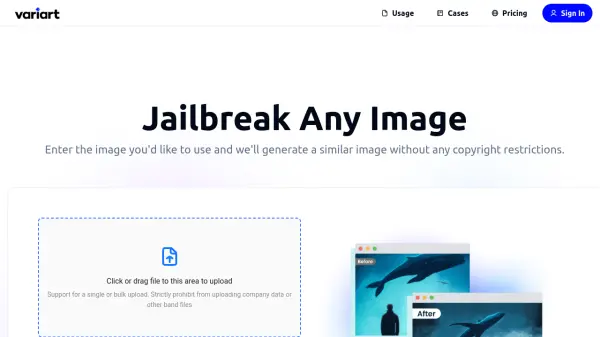
Jailbreak Any Image

What is Variart?

Variart is an AI-powered tool designed to help users overcome copyright restrictions on images. It allows users to upload a copyrighted image, and the system will analyze it and generate a new, similar image that retains the original's essence while being free of copyright limitations.

This process ensures that users can confidently utilize the generated images for various purposes, both personal and commercial. Variart caters to a wide range of users, providing a solution for those who require unique, copyright-free visuals.

Features

  • Jailbreak Images: Generate similar images without copyright restrictions.
  • Bulk Upload: Support for single or bulk image uploads.
  • Copyright-Free Output: AI-generated images are deemed copyright-free.
  • Commercial Use: Images can be used for commercial and personal projects.
  • Unlimited Usage: Use generated images an unlimited number of times without time limits.

Use Cases

  • Creating visuals for blog posts and social media.
  • Generating marketing materials.
  • Developing content for websites and publications.
  • Producing unique images for presentations and reports.
  • Creating visuals for educational purposes.
  • Designing event materials.

Related Tools:

Blogs:

  • Best AI tools for Product Photography

    Best AI tools for Product Photography

    Explore top AI tools that can elevate your product photography, helping you enhance images, streamline workflows, and create professional visuals with ease.

  • Long Videos into Viral Shorts

    Long Videos into Viral Shorts

    Klap.app is an AI-powered video editing tool that transforms long-form videos into engaging short clips optimized for platforms like TikTok, Instagram Reels, and YouTube Shorts

  • Top 6 AI note-taking tools for 2026: in-person, online, and hybrid use cases

    Top 6 AI note-taking tools for 2026: in-person, online, and hybrid use cases

    Most AI note-taking lists are really lists of meeting bots, which join your video call and transcribe it. That's useful, but it's half the picture. Decisions happen in hallway conversations, client dinners, on-site visits, and hybrid rooms where nobody is on a video link. This guide covers different parts of the note-taking workflow: hardware capture for in-person settings, platform-native tools for online calls, and AI layers for organizing and synthesizing what you've captured. It compares six tools by capture context, workflow fit, pricing, and limitations.

  • Chat with PDF AI Tools

    Chat with PDF AI Tools

    Easily interact with your PDF documents using our advanced AI-powered tool. Whether you're reading lengthy reports, research papers, contracts, or eBooks, our platform lets you chat directly with your PDF files, ask questions, extract insights, and get summaries in real-time.

Didn't find tool you were looking for?

Be as detailed as possible for better results