
What is UptimePal?
UptimePal offers comprehensive website monitoring services that track uptime and performance from multiple global locations. The platform provides instant alerts via email, SMS, or phone when issues are detected, along with detailed reports and root cause analysis to help resolve problems quickly.
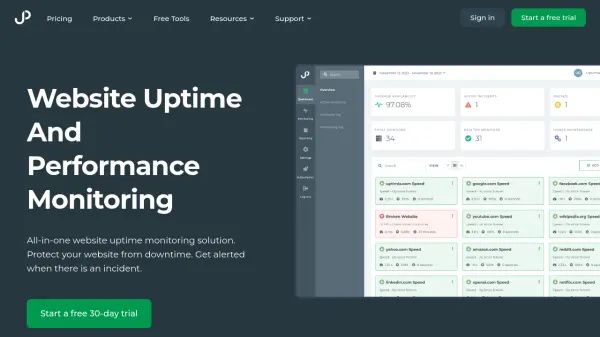
Users can monitor various aspects including HTTP web servers, SSL certificates, content validation, and response times. The service includes a real-time dashboard with performance charts, scheduled email reports, and multi-location comparisons to optimize website reliability and user experience.
Features
- Global Monitoring: Checks website availability from over 15 locations worldwide
- Instant Alerts: Sends notifications via email, SMS, or phone when issues are detected
- Performance Reports: Provides detailed charts and analysis of website response times
- Content Validation: Verifies that expected content is displayed correctly on websites
- Real-time Dashboard: Offers live viewing of website performance and historical data
Use Cases
- Monitoring website availability for e-commerce platforms
- Ensuring HIPAA-compliant hosting remains functional for medical businesses
- Tracking website performance for WordPress, Shopify, or Squarespace sites
- Verifying Service Level Agreement (SLA) compliance from web hosting providers
- Detecting content display issues or errors on websites