What is Unscreen?
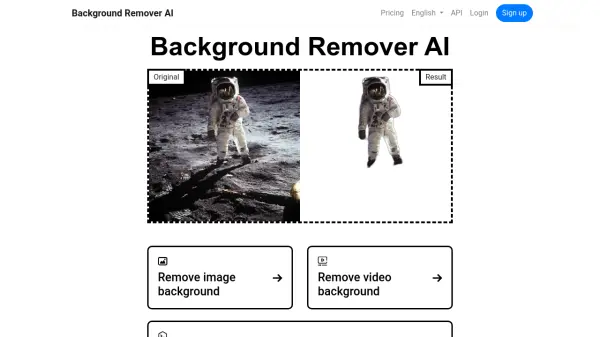
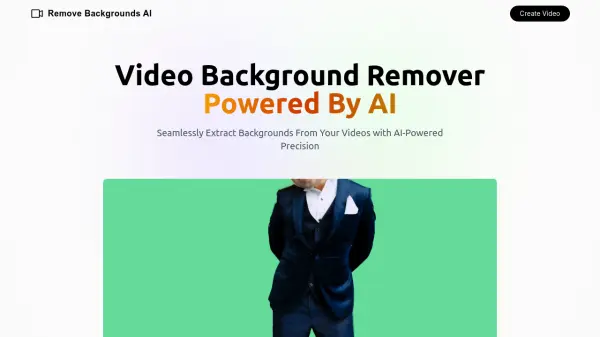
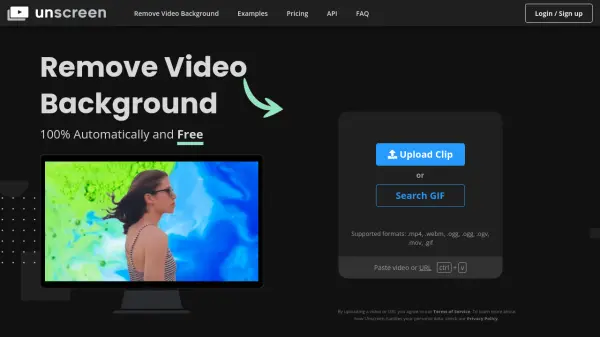
Unscreen provides a 100% automatic video background removal service. It eliminates the need for traditional, complex techniques like chroma keying and green screens. The tool analyzes uploaded videos and generates high-quality, background-free results without requiring any manual selection of pixels, colors, or paths.
This allows users to record footage anywhere and easily remove the background, streamlining the video editing process. The platform also offer plugins for Adobe Premiere Pro & After Effects.
Features
- Automatic Background Removal: Eliminates video backgrounds without manual input or green screens.
- High-Quality Results: Generates clean, background-free videos with accurate processing.
- Adobe Plugin Integration: Offers plugins for Adobe Premiere Pro and After Effects for streamlined workflow.
- API Access: Provides an API for integrating background removal into custom applications and workflows (with subscription).
- Audio Support: Processes audio along with the video.
- Full HD Resolution: Supports Full HD resolution (with Unscreen Pro).
- No Watermark: Delivers videos free of watermarks (with Unscreen Pro).
Use Cases
- Creating engaging social media content.
- Producing professional marketing videos.
- Developing educational and training materials.
- Streamlining video editing workflows.
- Enhancing video conferencing and presentations.
- Creating video for online courses.
FAQs
-
Is Unscreen Pro billed by the second or by the minute?
Unscreen Pro is billed by the second for maximum flexibility, both for Pay-as-you-go purchases and subscriptions. -
What if I don't use all my subscription minutes, or need more?
You can choose between different subscription plans based on your monthly needs. You can upgrade your plan to get more minutes. Unused minutes do not carry over to the next month. -
Can I upgrade/downgrade/cancel my subscription?
Yes, you can cancel, downgrade, or upgrade your subscription anytime. -
What payment methods do you support?
We accept all major Credit Cards, as well as PayPal and Apple Pay. -
Will my data be private and safe?
Yes, your data will be private and safe. Unscreen is 100% GDPR compliant.