What is Unclutter?
Unclutter offers Mac users a powerful yet simple solution for managing their files, notes, and clipboard data efficiently. The app stays discretely hidden above the desktop and can be accessed instantly with a customizable gesture, ensuring that essential tools are always at hand without creating clutter.
The application features a unified dropdown window where users can store files, rapidly take notes, and track clipboard history. Cloud auto-sync functionality ensures that files and notes are accessible across devices, while a customizable layout allows users to rearrange or disable panels to fit their workflow. Unclutter runs natively on both Apple Silicon and Intel-based Macs, supporting seamless integration into any macOS environment.
Features
- Unified Dropdown Window: Manage files, notes, and clipboard from one place
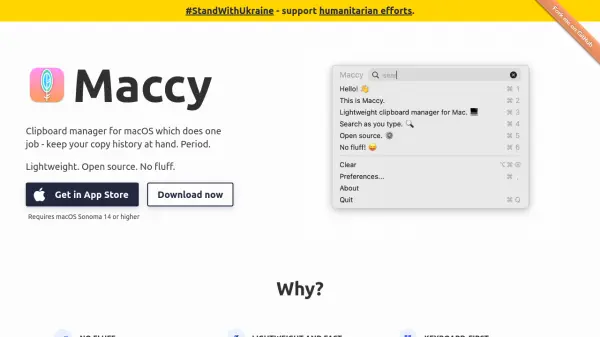
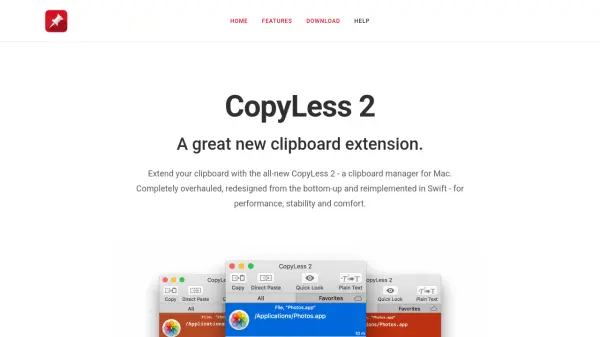
- Clipboard Management: Track and browse clipboard history effortlessly
- Quick Notes: Instantly jot down and access sticky-note style notes
- File Drop Zone: Easily drag and drop files for quick storage and access
- Cloud Auto-Sync: Synchronize files and notes across all devices
- Customizable Layout: Rearrange or disable panels for a personalized interface
- Full Screen Compatibility: Access the app in every screen mode
- Mac Compatibility: Native support for both Apple Silicon and Intel Macs
Use Cases
- Quickly capture and organize ideas using sticky note-style notes
- Access and manage frequently used files from anywhere on your Mac
- Track and retrieve clipboard history for improved productivity
- Sync work files and notes across multiple macOS devices automatically
- Create a distraction-free workspace by organizing essential tools in a single dropdown window