What is Uiino?
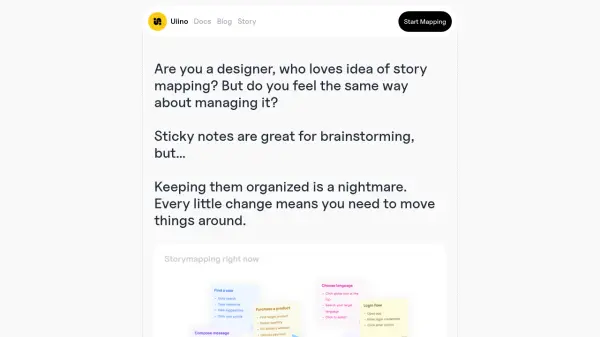
Uiino offers a unique solution for user story mapping, focusing on simplicity and collaboration. It addresses the challenges of managing traditional sticky notes by providing a text-based system. Users can create story maps simply by writing them out in any text editor or typing field. This approach eliminates the hassle of organizing physical notes and managing changes manually.
Additionally, Uiino incorporates AI technology through its Storymapper AI. This feature allows users to generate story maps instantly by providing a brief description of their application, further streamlining the process. The platform emphasizes clarity through simple tags for shared understanding and includes built-in version control to track changes, identify contributors, and easily revert modifications. Uiino aims to keep the focus on product development rather than tool management.
Features
- Text-Based Story Mapping: Create story maps by simply writing them out in a text editor or typing field.
- Storymapper AI: Automatically generate story maps from a brief application description using AI.
- Simple Tags for Clarity: Use clear tags to ensure shared understanding among team members.
- Version Control: Track every change, identify who made it, and revert modifications easily.
- Collaboration Focused: Designed to facilitate teamwork and keep everyone on the same page.
Use Cases
- Creating user story maps for software development.
- Visualizing user journeys and experiences.
- Collaborating on product roadmaps.
- Streamlining the brainstorming process for product features.
- Managing and tracking changes in project scope.