What is ConceptMap.AI?
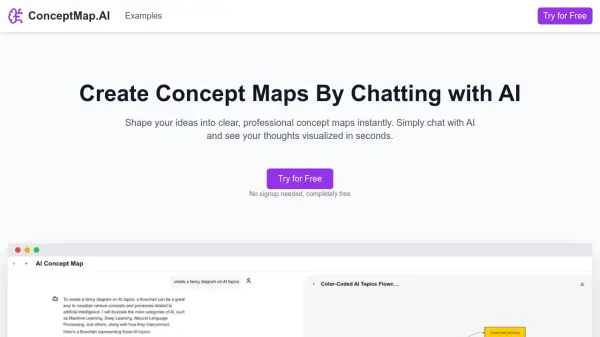
ConceptMap.AI is a tool designed to streamline the process of creating concept maps. By interacting with the AI through chat, users can effortlessly convert their ideas and text descriptions into clear, professional diagrams.
The platform leverages advanced artificial intelligence to visualize thoughts in seconds, offering a seamless experience without requiring any signup for initial use. It provides export options in multiple formats like PNG, SVG, and PDF, and ensures compatibility with popular productivity tools.
Features
- AI-Powered Diagramming: Create concept maps effortlessly using natural language descriptions.
- Real-Time Collaboration: Work together with your team in real-time on the same diagram.
- Extensive Template Library: Choose from a wide range of pre-made templates for quick starts.
- Export & Integration: Export your diagrams in various formats and integrate with popular tools.
Use Cases
- Education: Enhance learning and retention of information.
- Project Planning: Organize project tasks and timelines visually.
- Brainstorming: Facilitate brainstorming sessions by visually mapping out ideas.
- Content Creation: Plan and structure content for blogs, articles, or presentations.
- Process Mapping: Document and visualize workflows and processes.
- Research: Organize research findings and insights visually.
FAQs
-
Can I collaborate with my team in real-time?
Yes! Concept Map AI supports real-time collaboration. Multiple team members can work on the same map simultaneously, discussing ideas and seeing changes instantly. -
What types of maps can I create?
You can create a wide variety of maps including concept maps, mind maps, and more. If you can describe it, Concept Map AI can create it. -
How can I export my maps?
Concept Map AI allows you to export your maps in multiple formats including PNG, SVG, and PDF. You can also integrate with popular tools and workflows.