What is ToolNexIn?
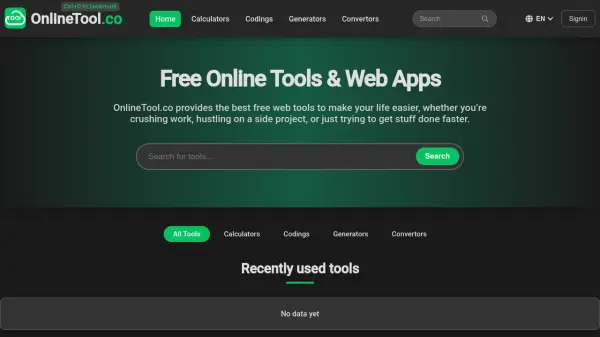
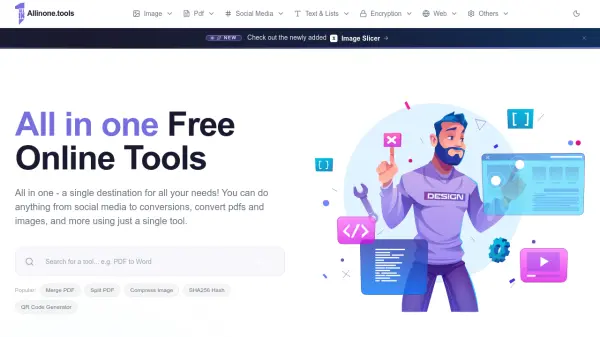
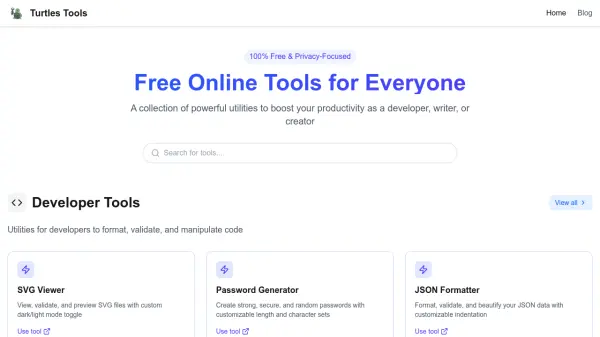
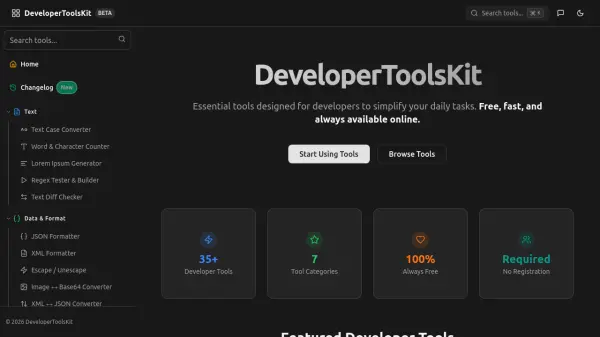
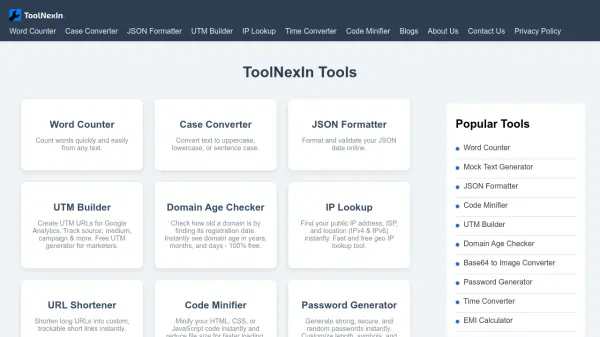
ToolNexIn provides a wide range of browser-based utilities that operate without requiring software installations or user accounts. The platform offers tools for text processing, data formatting, code optimization, and various calculations, all accessible through a clean interface that works across desktop and mobile devices.
Most tools utilize client-side JavaScript to ensure user privacy by processing data locally without transmitting it to external servers. The collection includes specialized utilities for developers, content creators, and general productivity needs, with continuous updates adding new functionality to the growing toolkit.
Features
- Browser-Based Operation: All tools run directly in web browsers without requiring software installations
- Client-Side Processing: Most utilities use JavaScript to process data locally without transmitting to servers
- No Account Required: Immediate access to all tools without registration or login requirements
- Mobile Optimization: Fully responsive design works seamlessly across smartphones, tablets, and desktops
- Free Access: 100% free usage with no limits, signup requirements, or hidden charges
Use Cases
- Formatting and validating JSON data for developers
- Counting words and characters in written content
- Converting text between different case formats
- Generating secure passwords with customizable complexity
- Converting timestamps across different time zones
- Creating UTM parameters for marketing campaign tracking
- Minifying HTML, CSS, and JavaScript code for optimization
- Converting between different data formats like CSV to JSON