What is TelegramBots.ai?
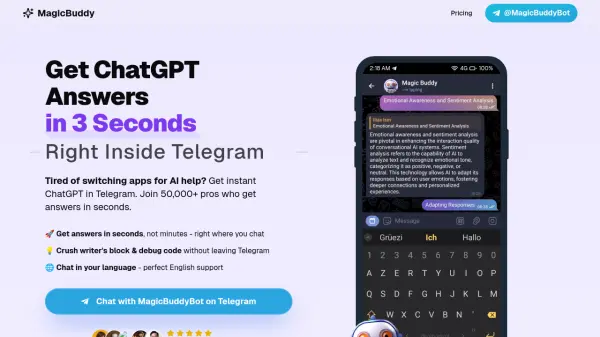
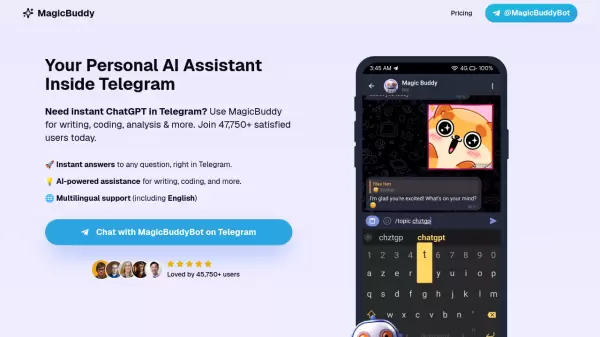
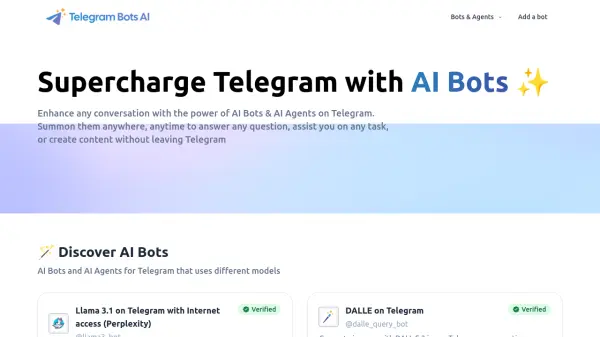
TelegramBots.ai provides a collection of AI-powered bots and agents designed to integrate seamlessly with the Telegram messaging platform. Users can enhance their conversations by summoning these bots anywhere, anytime.
These tools leverage various AI models, including Llama 3.1 with internet access (via Perplexity), DALL·E 3 for image generation, Google's Gemini, and OpenAI's ChatGPT (including GPT-4o). The bots can be used directly, in groups, or inline to answer questions, assist with tasks, or generate content like images without needing to leave the Telegram application. Additionally, productivity-focused bots like 'Telegram to Notion' are available to help streamline workflows.
These tools leverage various AI models, including Llama 3.1 with internet access (via Perplexity), DALL·E 3 for image generation, Google's Gemini, and OpenAI's ChatGPT (including GPT-4o). The bots can be used directly, in groups, or inline to answer questions, assist with tasks, or generate content like images without needing to leave the Telegram application. Additionally, productivity-focused bots like 'Telegram to Notion' are available to help streamline workflows.
Features
- Multiple AI Models: Access Llama 3.1 (with Perplexity internet access), DALL·E 3, Gemini, and ChatGPT (including GPT-4o) via dedicated bots.
- Seamless Telegram Integration: Use bots in direct messages, groups, or inline within any conversation.
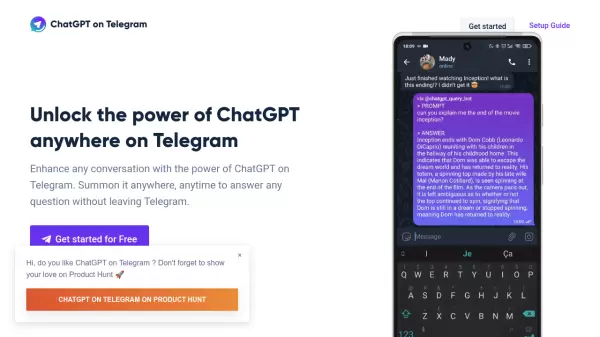
- Inline Querying: Summon bots directly within a chat by typing their handle (e.g., @chatgpt_query_bot).
- Image Generation: Create images using DALL·E 3 directly in Telegram.
- Voice Message Support: Interact with some bots using voice messages.
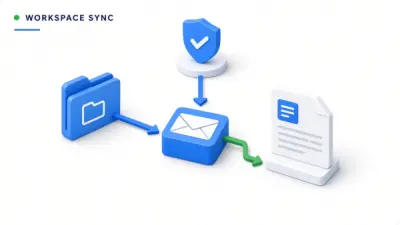
- Productivity Tools: Includes bots like 'Telegram to Notion' for specific tasks.
Use Cases
- Getting quick answers to questions within Telegram chats.
- Generating images on the fly during conversations.
- Assisting with writing or content creation without leaving Telegram.
- Leveraging different AI model capabilities within the messaging app.
- Sending content from Telegram directly to Notion.
- Using AI assistance in group chats.
FAQs
-
How can I use a bot on Telegram?
Click 'Open on Telegram', then press 'Open'. The bot will appear in Telegram. Press 'Start', and the bot will provide instructions on how to use it. -
What is an inline bot?
An inline bot can be used in any conversation without explicitly adding it. For example, type '@chatgpt_query_bot how are you', wait, and click to see the answer. -
Can I use these bots in a group?
Yes, bots labeled with 'Group' can be added to groups. Send /help to the bot or read its page instructions for usage details. -
Are these bots free to use?
All bots offer a limited number of free queries. You can subscribe to a plan for more queries or additional features. -
Do you offer refunds?
Yes, verified bots offer a 30-day money-back guarantee if you are not satisfied with the service.