What is MyGPT?
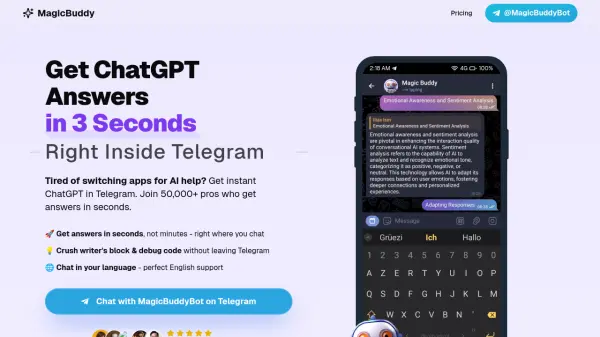
MyGPT is a platform that empowers users to create and interact with personalized AI bots directly within Telegram. The service leverages cutting-edge AI models, including OpenAI's GPT-4o and GPT-3.5-turbo, as well as ClaudeAI's 3-5-sonnet. Users can also utilize DALL·E 3 for image generation and Whisper for state-of-the-art voice recognition.
MyGPT provides an intuitive and ultra-responsive user experience. It offers visual processing capabilities with Claude or GPT-4 Vision and neural-based text-to-speech. A flexible API allows users to integrate their custom bots with other applications and devices. Additionally, MyGPT offers human chat support via Telegram and email.
Features
- DALL·E 3 Integration: Generate images based on textual prompts.
- State-of-the-art voice recognition: Utilizes Whisper for accurate voice input.
- Intuitive Telegram Interface: Manage and interact with bots directly within Telegram.
- Visual Processing: Process images using Claude or GPT-4 Vision.
- Neural-based Text-to-Speech: High-quality text-to-speech capabilities.
- Ultra Responsive: Fast and prompt interactions.
- Personalized Bots: Configure bot personalities and functionalities.
- Flexible API: Access and control bots from various applications and devices.
- Human Chat Support: Access support through Telegram or email.
Use Cases
- Creating a coding companion bot.
- Developing a bot for attentive listening.
- Building a bot that teaches business strategies.
- Integrating custom bots with devices like iPhone's Action Button or Alexa.