What is TechnoRiver?
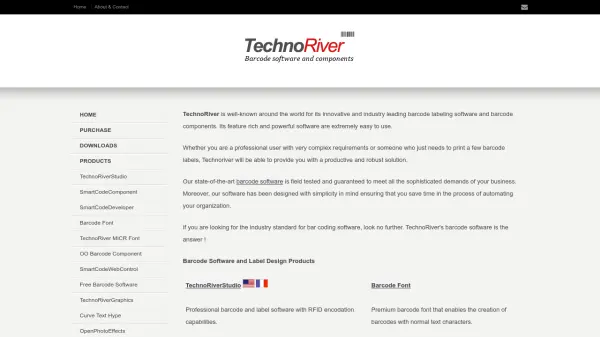
TechnoRiver provides innovative barcode labeling software and components that are field-tested to meet sophisticated business demands. Its products include TechnoRiverStudio for professional barcode and label design with RFID encodation, SmartCodeDeveloper for barcode component libraries in applications, and free tools like barcode software and graphics apps.
The software is designed with simplicity in mind, saving time in automating organizations, and supports industries such as manufacturing, healthcare, and retail. It features modern interfaces like the Office 2013 style ribbon and offers solutions for both complex requirements and basic label printing needs.
Features
- TechnoRiverStudio: Professional barcode and label software with RFID encodation capabilities
- SmartCodeDeveloper: Barcode component library and .Net Windows Forms Control for application integration
- Barcode Font: Premium font for creating barcodes with normal text characters
- Free Barcode Software: Free tools for Windows documents and .Net SDK
- SmartCodeComponent: Insert barcodes into Word, Excel, and third-party publishing tools
Use Cases
- Printing barcode labels for inventory tracking in warehouses
- Designing labels with RFID encodation for manufacturing processes
- Integrating barcodes into business applications using .Net controls
- Creating barcodes in documents like Word and Excel for retail use
- Using free barcode software for basic Windows document labeling