What is DRPU Barcode Label Maker?
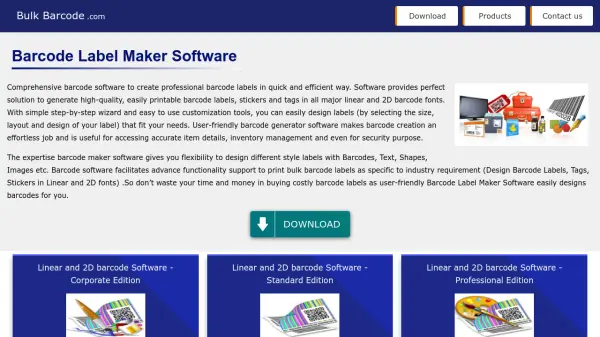
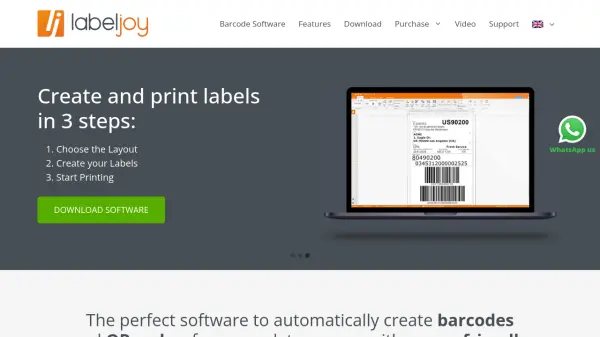
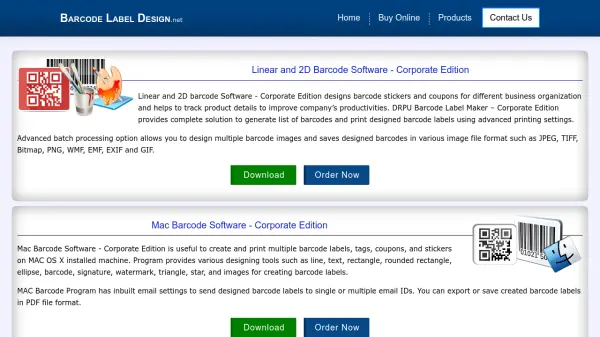
DRPU Barcode Label Maker provides businesses with a powerful platform to design, generate, and print both linear and 2D barcode labels, stickers, and tags across various sectors such as retail, healthcare, logistics, publishing, and manufacturing. With its advanced batch processing and file format support, users can easily produce multiple barcodes and save them in popular formats, including JPEG, TIFF, PNG, PDF, and more. The software includes an array of designing tools for customizable label creation, making it suitable for diverse labeling requirements without the need for advanced technical skills.
Offering specialized solutions for Windows and Mac OS X, as well as editions tailored to industries like healthcare, publishing, inventory control, and more, the tool streamlines the barcode labeling process. Its user-friendly design, customizable templates, built-in email functionality, and compatibility with major barcode symbologies ensure efficient production and distribution of professional barcodes and business cards.
Features
- Batch Processing: Efficiently design and generate multiple barcode images at once.
- Wide Format Support: Export barcodes in JPEG, TIFF, PNG, Bitmap, PDF, and other formats.
- Comprehensive Designing Tools: Includes line, text, rectangle, ellipse, barcode, signature, watermark, and more.
- Inbuilt Email Functionality: Send designed barcode labels via email directly from the software.
- Cross-Platform Compatibility: Available for both Windows and Mac OS X.
- Industry-Specific Editions: Tailored software solutions for healthcare, publishing, retail, inventory, and more.
- Major Barcode Symbology Support: Handles all standard linear and 2D barcode fonts.
- Advanced Printing Settings: Flexible print options for various business labeling needs.
Use Cases
- Generating barcode labels for retail product tracking
- Designing barcodes for healthcare equipment and prescriptions
- Printing inventory and warehouse management barcodes
- Creating library and publishing barcode tags for books and magazines
- Designing and emailing barcode labels for supply chain and distribution
- Printing custom business cards, ID cards, and greeting cards
- Developing compliant barcodes for postal, banking, and manufacturing sectors
FAQs
-
What barcode formats are supported by the software?
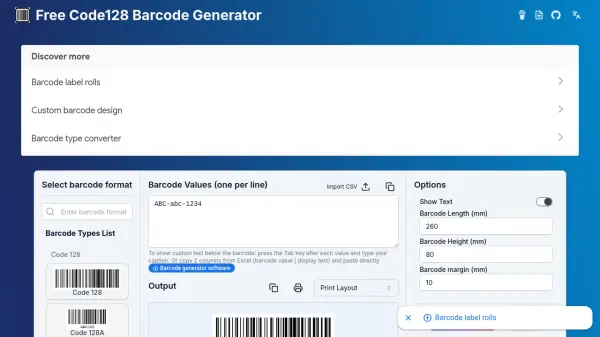
The software supports all major linear barcode fonts such as Code 128, Code 39, Codabar, EAN13, and also 2D barcode symbologies like QR Code, PDF417, DataMatrix, and Aztec. -
Can I print barcode labels in bulk using this tool?
Yes, the batch processing feature allows users to generate and print multiple barcode labels efficiently. -
Are there Mac and Windows versions of the barcode label software?
Yes, dedicated versions for both Mac OS X and Windows operating systems are available. -
Is it possible to email barcode labels directly from the software?
Yes, the software includes built-in email settings to send designed barcode labels to single or multiple recipients. -
Can the tool be used for industries like healthcare and publishing?
Yes, there are industry-specific versions of the software for healthcare, publishing, retail, warehouse management, and more.