What is TechDrive Support?
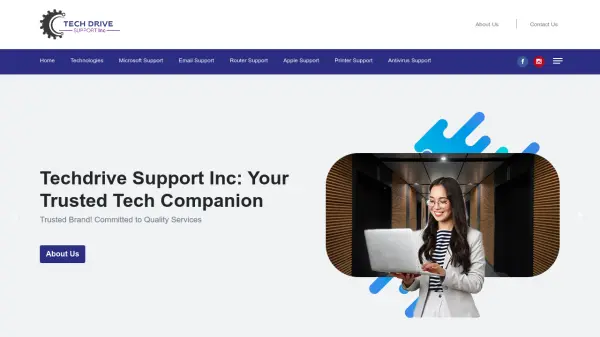
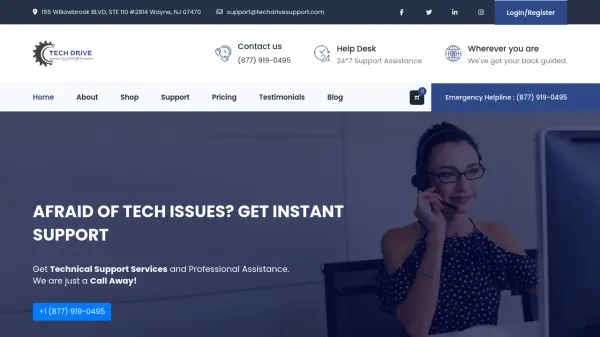
TechDrive Support is a US-based company specializing in remote technical support for a range of devices, including computers, printers, and peripherals. The company provides assistance with software and hardware problems, operating system upgrades, and virus protection. It offers support to a range of brands, including Microsoft and Apple.
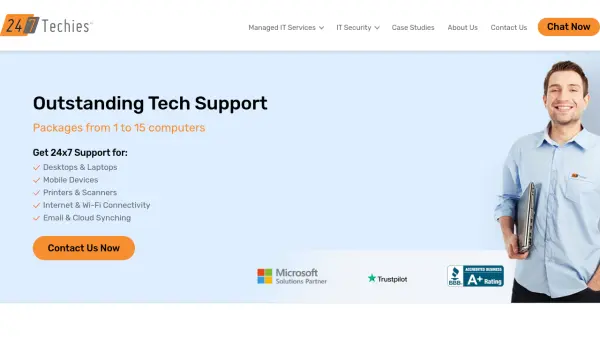
TechDrive Support's team of IT professionals offers 24/7 availability. They also sell antivirus software through their online store.
Features
- 24/7 Support: Round-the-clock technical assistance from certified professionals.
- Remote Access: Instant solutions provided through advanced remote access technology.
- Experienced Team: IT professionals with over ten years of industry experience.
- Antivirus Sales: Online e-commerce store offering the latest antivirus versions.
- Multi-Device Support: Support for Microsoft-enabled devices, Apple devices, and computer peripherals.
Use Cases
- Troubleshooting computer hardware and software issues.
- Setting up new computers and printers.
- Upgrading or restoring operating systems.
- Resolving network and router problems.
- Removing viruses and malware.
- Configuring email accounts.
- Providing technical assistance for Apple devices.
- Assisting with printer setup and troubleshooting.
- Offering support for Microsoft products.
FAQs
-
Does TechDrive provide support at any time?
Yes, TechDrive Support team provides assistance 24/7.