What is Tampermonkey?
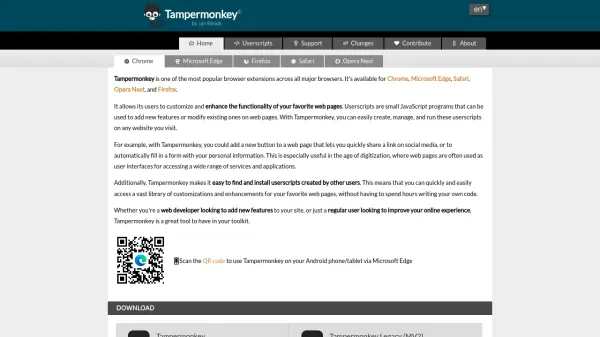
Tampermonkey is a browser extension available for Chrome, Microsoft Edge, Safari, Opera Next, and Firefox that enables users to customize and enhance web page functionality. It allows the creation, management, and execution of userscripts, which are small JavaScript programs that add new features or modify existing ones on visited websites.
The extension provides tools for easy script access through a popup, automatic updates for security and compatibility, and multiple configuration modes for different user expertise levels. It includes a built-in editor with syntax checking, script synchronization across browsers, and a dashboard for managing installed scripts.
Features
- Easy Script Access: Popup interface for quickly enabling/disabling scripts and viewing status without leaving the page
- Automatic Script Update: Keeps userscripts secure and compatible by automatically installing latest patches and updates
- Multiple Configuration Modes: Novice, Beginner, and Advanced modes to suit different user expertise levels
- Script Synchronization: Syncs scripts across multiple browsers for consistent experience
- Built-in Editor: CodeMirror editor with ESLint syntax checking for developing and editing scripts
Use Cases
- Adding custom buttons to web pages for quick social media sharing
- Automatically filling forms with personal information
- Modifying website layouts or functionality to improve user experience
- Testing web development changes through script injection
- Enhancing productivity by automating repetitive web tasks