What is Shortkeys?
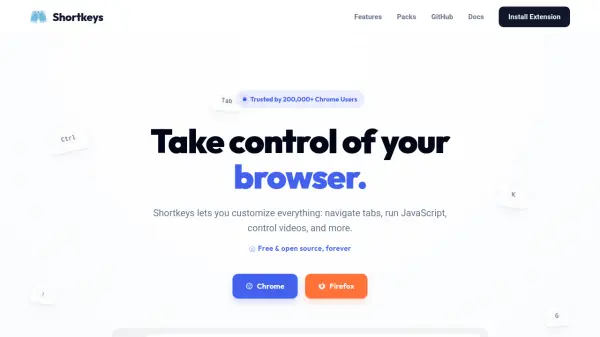
Shortkeys is a browser extension designed to enhance productivity by allowing users to customize keyboard shortcuts for various browser actions. It enables navigation, tab management, video controls, and the execution of custom JavaScript through user-defined key combinations. The tool is free, open-source, and automatically syncs shortcuts across Chrome instances via Google account integration.
With features like a shortcut recorder, macro chaining, dark mode, and a command palette, Shortkeys provides a streamlined interface for automating web browsing tasks. It includes over 100 built-in actions categorized into scrolling, navigation, tabs, windows, zoom, bookmarks, video controls, page scripts, and utilities, making it a versatile tool for power users.
Features
- Custom JavaScript: Run any JavaScript with a keyboard shortcut using a full CodeMirror editor with syntax highlighting and One Dark theme
- 100+ Built-in Actions: Includes tab management, scrolling, navigation, zoom, bookmarks, downloads, video controls, and more
- Shortcut Packs: Browse and install curated shortcut collections like Vim, YouTube, or GitHub with one click
- Groups: Organize shortcuts into collapsible groups for easy management, enabling, disabling, or sharing entire groups
- Shortcut Recorder: Record key combos by clicking Record and pressing keys, supporting multi-key sequences like vim's g g
- Macros: Chain multiple actions into a single shortcut with delays between steps for precise automation
- Dark Mode: Settings page automatically adapts to system theme preference for day or night use
- Cloud Sync: Shortcuts automatically sync across all Chrome instances via Google account
- Command Palette: Click the extension icon for an instant searchable palette of all active shortcuts
Use Cases
- Automating repetitive browser tasks like tab navigation and scrolling
- Controlling video playback and settings with keyboard shortcuts
- Running custom JavaScript snippets for web development or testing
- Enhancing productivity with curated shortcut packs for platforms like Vim or YouTube
- Managing browser windows and tabs efficiently for multitasking
- Customizing browser behavior for accessibility or personal preference
FAQs
-
What browsers does Shortkeys support?
Shortkeys supports Chrome and Firefox browsers, as indicated by the installation options on the homepage. -
How do I sync shortcuts across devices?
Shortcuts automatically sync across all your Chrome instances via your Google account using cloud sync. -
Can I create multi-step shortcuts?
Yes, Shortkeys allows you to chain multiple actions into a single shortcut using macros, with options to add delays between steps. -
Is there a way to organize my shortcuts?
Yes, you can organize shortcuts into collapsible groups, enabling, disabling, or sharing entire groups at once. -
How do I install shortcut packs?
You can browse and install curated shortcut collections like Vim, YouTube, or GitHub with one click from the Shortkeys interface.