What is Tailored Emails?
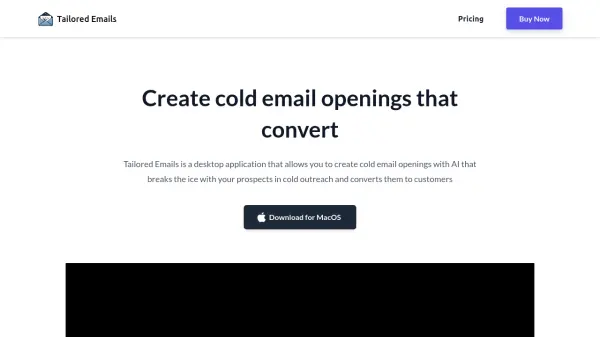
Tailored Emails is an innovative desktop application designed to revolutionize cold email outreach through AI-powered personalization. The application streamlines the process of creating engaging email openings by analyzing prospect information and their website data to generate compelling, customized introductions.
The platform operates as a standalone desktop solution that processes CSV files containing prospect details and automatically generates personalized email openings. This tool eliminates the need for expensive freelancers or complex email marketing tools, offering a one-time purchase model with lifetime updates.
Features
- Bulk Processing: Generate multiple email openings from CSV files
- CSV Integration: Easy import and export of prospect data
- Custom API Integration: Use your own OpenAI API keys
- Lifetime Updates: Free access to new features and improvements
- One-time Payment: No recurring subscription fees
Use Cases
- Sales outreach campaigns
- Lead generation
- Business development
- Marketing campaigns
- Prospect engagement
- Customer acquisition
FAQs
-
What API Key do I need?
The model runs on OpenAI so you'll simply need an API key from OpenAI. The plan is to include more AI tools like Claude etc in the future. -
Does it work on Windows & MacOS?
Currently the MacOS download is live. Windows version is coming soon.