What is Swoon?
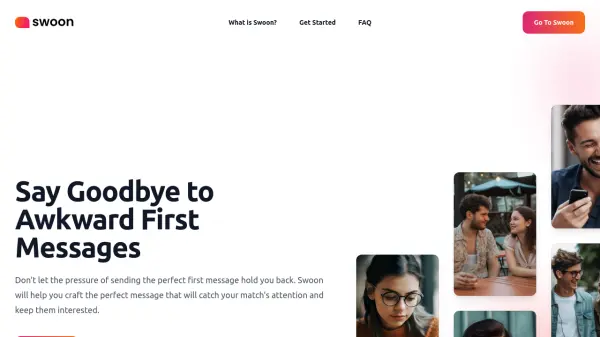
Swoon serves as an AI-powered assistant for individuals navigating the online dating world. It addresses the common challenge of crafting effective initial messages and maintaining engaging conversations on dating platforms. The tool analyzes user messages and provides personalized advice aimed at improving communication quality, increasing the likelihood of receiving responses, and securing dates.
By offering tailored recommendations and suggestions, Swoon helps users stand out from the crowd. It saves users time by quickly generating message ideas and advice, reducing the stress associated with messaging. This allows users to approach online dating with more confidence, equipped with tips and tricks designed to enhance their interactions and overall success rate on dating apps.
Features
- Personalized Message Analysis: Analyzes dating messages and gives personalized advice for improvement.
- Success Boosting Tips: Provides tips and tricks designed to enhance success rates in online dating.
- Time-Saving Suggestions: Offers quick message suggestions and advice, reducing time spent crafting messages.
- Confidence Building: Helps users feel more confident in their online dating communication skills.
Use Cases
- Crafting engaging first messages on dating apps.
- Generating conversation starters for online dating.
- Improving response rates to dating messages.
- Saving time messaging potential matches.
- Boosting confidence in online dating interactions.
- Overcoming writer's block when messaging matches.