
What is Swing Profile?
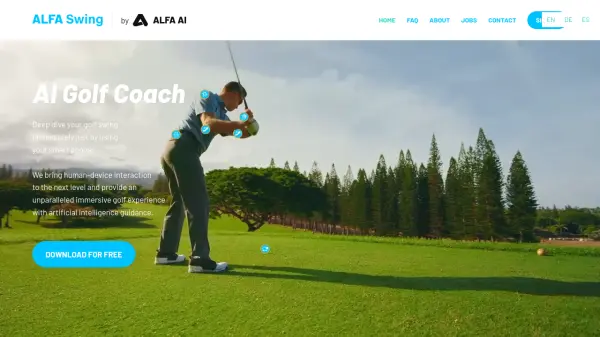
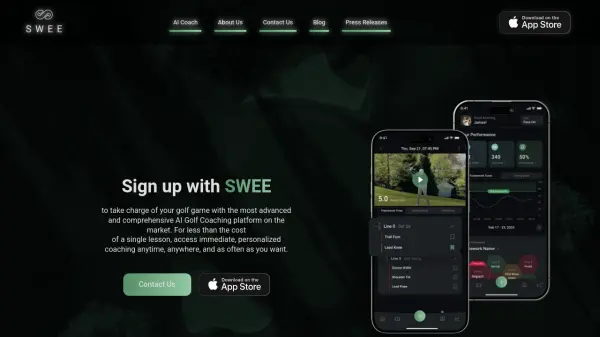
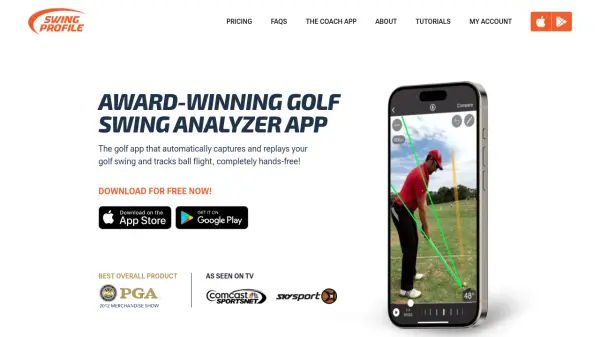
Swing Profile is an advanced golf swing analyzer application that utilizes artificial intelligence to automate swing analysis. The app continuously detects and records golf swings while tracking ball trajectories completely hands-free. It employs patented algorithm technology to trim videos, keeping only the vital 2-second swing motion and automatically playing back swing videos in slow motion after each shot.
The application automatically draws standard reference lines on videos and generates Golf-Digest style swing sequences every time a swing is detected. It features automatic synchronization between two swings, making comparison with professional swings extremely easy and fast. Swing Profile operates on live video without requiring any sensors attached to the golfer or club, supporting both down-the-line and front view camera angles.
Features
- Auto Capture: Automatically detects and records golf swing motions
- Auto Replay: Plays back swing videos in slow motion automatically after each shot
- Auto Swing Plane & Sequence: Draws reference lines and generates Golf-Digest style swing sequences
- Auto Sync: Synchronizes two different swings for easy comparison
- Ball Tracking: Tracks ball flight trajectories automatically
Use Cases
- Golf swing analysis and improvement
- Golf coaching and instruction
- Self-practice sessions
- Swing comparison with professional golfers
- Recording and analyzing multiple swings during practice
FAQs
-
What devices are compatible with Swing Profile?
Swing Profile requires iOS 15 or above with iPhone 7 or higher for version 10, or iOS 12 with iPhone 6 or higher for version 9. The app is available on both iPhone and iPad devices. -
Can Swing Profile analyze left-handed golfers?
Yes, Swing Profile works equally well for both left-handed and right-handed golfers without requiring any special settings adjustments. -
What is the difference between Elite and Coach versions?
The Elite version is designed for golf students and advanced golfers with features for self-training and communication. The Coach version includes additional tools for golf professionals such as student lockers, custom branding, voice-over recordings, and larger cloud storage for business purposes. -
How does the Auto Capture feature work?
Auto Capture uses AI to continuously monitor video feed and automatically detect when a golf swing occurs. It then records only the essential swing motion, trimming away unnecessary footage and providing immediate feedback. -
What frame rates does Swing Profile support?
Swing Profile supports high-speed recording up to 240 FPS on iPhone 6 and 6 Plus, 120 FPS on iPhone 5s and iPad Air 2, and 60 FPS on iPhone 5/5C and iPad Air.