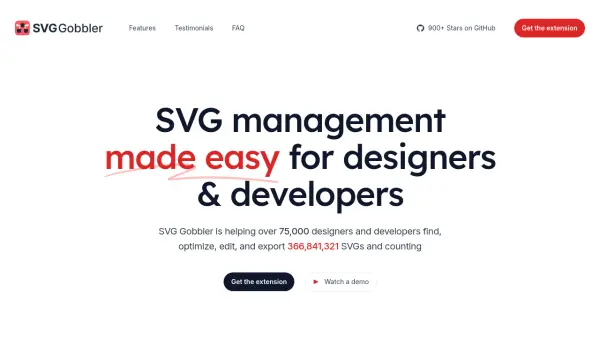
What is SVG Gobbler?
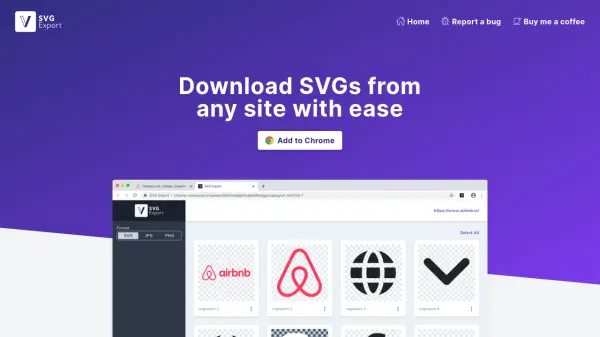
SVG Gobbler is a browser extension designed to simplify SVG management for designers and developers. It enables users to find SVGs from any website, organize them into collections, and optimize them for better performance. The tool supports various export formats, including SVG, PNG, WEBP, and JPEG, and can transform SVGs into minified Data URIs or React components.
With over 75,000 users and 365,000,000 SVGs processed, SVG Gobbler offers features like SVG optimization using SVGO, manual editing capabilities, and bulk export options. It works on Chromium-based browsers and Firefox, providing a user-friendly interface for efficient SVG handling.
Features
- Find: Locate SVGs from any website and organize them into collections
- Optimize: Reduce SVG file size and improve performance using SVGO
- Export: Export SVGs in multiple formats including SVG, PNG, WEBP, and JPEG
- Edit: Manually edit and minify SVGs by removing unnecessary data
- Transform: Convert SVGs into minified Data URIs or React components with SVGR
Use Cases
- Extracting SVG icons from websites for design projects
- Optimizing SVG files to reduce bundle size in web applications
- Organizing SVG assets into collections for easy access and management
- Converting SVGs into different formats for various use cases
- Editing SVGs manually to remove unnecessary metadata or comments
FAQs
-
What browsers does SVG Gobbler work on?
SVG Gobbler works on all Chromium-based browsers including Google Chrome, Microsoft Edge, Brave, and others, as well as Firefox. -
Is SVG Gobbler free to use?
Yes, SVG Gobbler is free to use with no costs associated with downloading or using the extension. -
Can I use SVG Gobbler for commercial purposes?
SVG Gobbler is intended for personal, educational, or legitimate professional use. Users should respect intellectual property rights and not use it for commercial purposes without proper authorization. -
What export options does SVG Gobbler offer?
SVG Gobbler supports exporting SVGs individually or in bulk in formats such as SVG, PNG, and ZIP archives. -
How does SVG Gobbler ensure the security and privacy of its users?
SVG Gobbler is open-source, with its source code available on GitHub for transparency, ensuring security and privacy.