What is SVG Export?
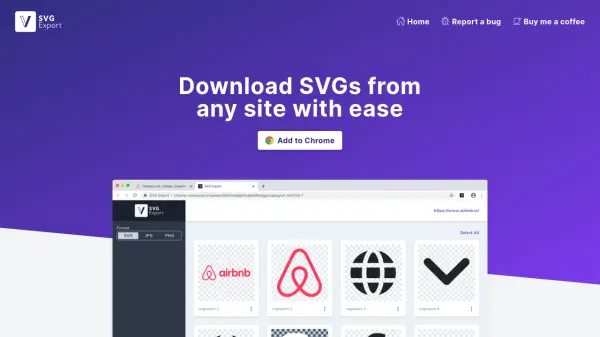
SVG Export is a specialized tool designed to simplify the process of downloading and managing SVG files from any website. It leverages artificial intelligence to identify and extract SVGs efficiently, allowing users to bulk export them as a tidy .zip file. The tool ensures that SVGs retain their visual integrity by inlining important CSS styles from the page's stylesheets, making them look as they do on the original site.
Users can quickly copy SVGs as code or paste them into popular design tools like Sketch, Figma, or Framer. Additionally, the tool offers conversion capabilities to export SVGs in JPG or PNG formats, along with options to resize images and rename files for better organization. With over 590,000 SVGs downloaded, SVG Export provides a seamless solution for designers and developers needing high-quality vector graphics.
Features
- Bulk Export: Pick and choose SVGs to export as a tidy .zip file
- Inline Styles: Inline important CSS styles to keep SVGs looking as they do on the page
- Copy SVGs: Quickly copy SVGs as code or paste into design tools like Sketch, Figma, or Framer
- Convert: Convert and export SVGs in JPG or PNG format
- Resize: Edit an image's width and height to set them as needed
- Rename: Rename images for easy identification in exported Zip
Use Cases
- Downloading SVGs from websites for design projects
- Bulk exporting multiple SVGs for web development
- Converting SVG files to JPG or PNG formats
- Copying SVG code for use in design tools like Figma or Sketch
- Resizing and renaming SVG images for organized asset management