What is Subset?
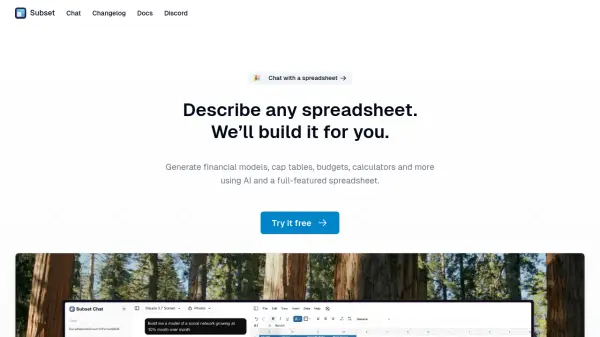
Subset leverages Artificial Intelligence to streamline spreadsheet creation. Users can describe the type of spreadsheet they need, such as financial models, capitalization tables, budgets, or custom calculators, and the AI will construct it for them. This process aims to simplify and accelerate tasks traditionally performed manually in spreadsheet software.
The platform combines this AI generation capability with a full-featured spreadsheet environment, allowing users to further refine, edit, and utilize the generated spreadsheets. It is designed for individuals who frequently work with spreadsheets, particularly in finance and business planning, offering a novel way to build complex documents by leveraging natural language descriptions.
Features
- AI Spreadsheet Generation: Build spreadsheets like financial models, cap tables, and budgets simply by describing them.
- Natural Language Interaction: Use descriptive text to specify the desired spreadsheet structure and content.
- Full-Featured Spreadsheet Environment: Includes a comprehensive spreadsheet interface for editing and analysis.
Use Cases
- Generating complex financial models
- Building capitalization tables for startups
- Creating detailed budgets for personal or business use
- Developing custom calculators for specific tasks
- Automating the initial setup of various spreadsheets