What is SubDownloader?
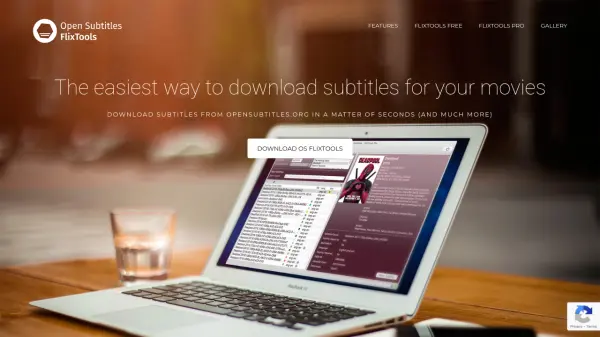
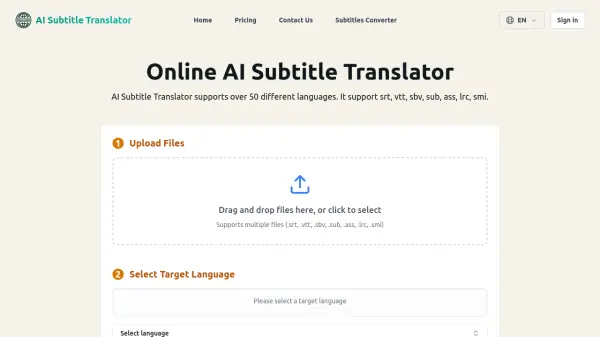
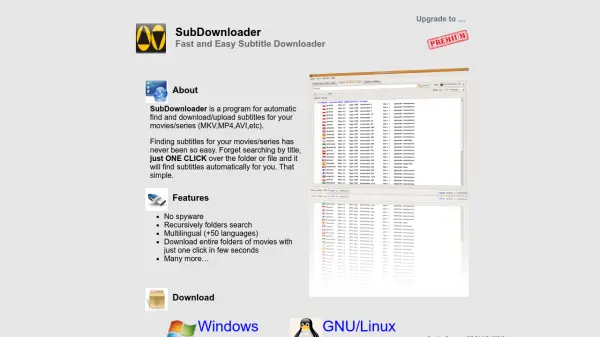
SubDownloader is a desktop application designed to simplify the process of finding and downloading subtitles for movies and series. It supports a wide range of video formats including MKV, MP4, and AVI. The program can recursively search through folders and automatically match subtitles to your media files, eliminating the need for manual searching by title.
With support for over 50 languages, SubDownloader makes it easy to get subtitles in your preferred language. The tool features a one-click download for entire folders of movies, saving time and effort. It is available for Windows and GNU/Linux, and is free of spyware.
Features
- One-click subtitle download: Download subtitles for entire folders of movies with a single click.
- Multi-language support: Supports over 50 languages for subtitles.
- Recursive folder search: Automatically scan subfolders to find all video files.
- Spyware-free: No spyware or unwanted software included.
- Cross-platform: Available for Windows and GNU/Linux.
Use Cases
- Finding subtitles for a large collection of movies and series automatically.
- Batch downloading subtitles for multiple video files at once.
- Getting subtitles in a specific language for foreign films.
- Subtitle management for media servers or home theaters.
FAQs
-
What video formats does SubDownloader support?
SubDownloader supports MKV, MP4, AVI, and other common video formats. -
Is SubDownloader free?
Yes, SubDownloader is completely free to use with no subscription fees. -
Can I download subtitles for multiple movies at once?
Yes, SubDownloader can recursively search folders and download subtitles for entire folders of movies with one click. -
What languages are supported?
SubDownloader supports over 50 languages for subtitles.