What is StudyVan?
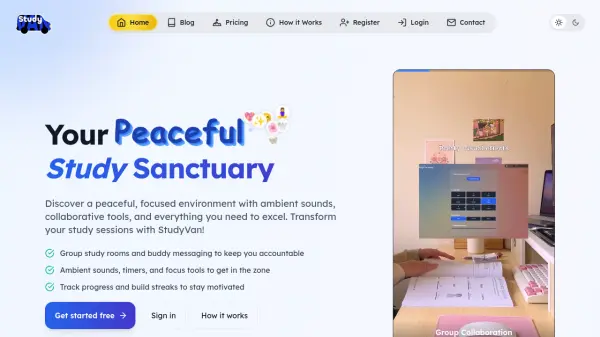
StudyVan creates a dedicated digital space for learners seeking enhanced concentration and productivity. The platform integrates ambient sounds, focus timers, and collaborative features within a customizable interface designed to minimize distractions and maximize study efficiency.
With AI-powered tools including mind games, progress tracking, and intelligent scheduling capabilities, StudyVan helps users maintain motivation through streak-building and personalized study environments. The platform supports both solo study sessions and group collaboration with integrated chat, video calls, and shared workspaces.
Features
- Ambient Sounds: Study with rain, cafe ambience, and lo-fi beats for enhanced concentration
- Focus Timer: Pomodoro technique timer to structure study sessions effectively
- Smart Calendar: Track events, deadlines, and study sessions with intelligent scheduling
- Group Collaboration: Study groups with chat, video calls, and screen sharing capabilities
- Progress Tracking: Build streaks and track study time to maintain motivation
- AI Chat: Premium feature providing AI assistance for study-related queries
- Cloud Notes: Take and sync notes across all devices for seamless studying
- Personal Diary: Document learning journey and academic progress
Use Cases
- Creating distraction-free study environments for exam preparation
- Collaborative group study sessions with peers
- Building consistent study habits through streak tracking
- Managing academic schedules and deadlines efficiently
- Enhancing concentration during deep work sessions
- Organizing study materials and notes across multiple devices
FAQs
-
Is there a free trial available for premium features?
Yes, StudyVan offers a 7-day free trial for premium features before subscription begins. -
Can I use StudyVan on multiple devices?
Yes, StudyVan works on mobile and desktop devices and syncs across all platforms. -
What happens if I cancel my premium subscription?
If you cancel, you'll continue to have premium access until the end of your billing period, then automatically return to the free plan. -
How many study groups can I create with the free plan?
The free plan allows creation of 1 public group only, with no private groups available.