


What is Splitwise?
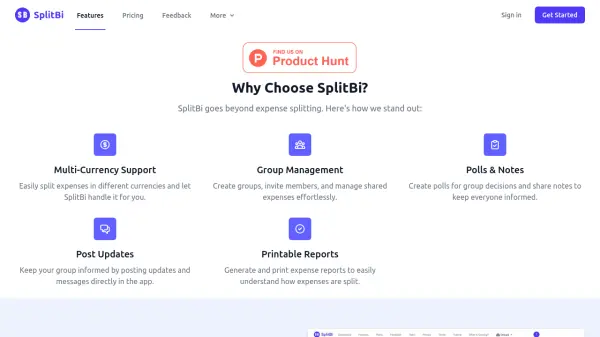
Splitwise is a user-friendly platform designed to help individuals track and manage shared expenses and balances with housemates, groups, friends, and family. The tool allows users to seamlessly organize expenses for any group, whether it's for trips, shared living situations, or personal arrangements. With features such as adding expenses easily on the go, splitting costs either equally or by percentage, and recording payments, users can keep all financial interactions transparent and hassle-free.
The platform also offers advanced functionalities through its PRO version, including receipt scanning, expense categorization, charts and graphs for financial analysis, currency conversion, and payment integrations. Splitwise supports unlimited expenses, recurring expenses, offline mode, and seamless cloud synchronization across iPhone, Android, and web, ensuring accessibility and convenience for every user.
Features
- Expense Tracking: Keep track of shared expenses, balances, and who owes who
- Expense Organization: Organize and categorize expenses for any group or occasion
- Flexible Splitting: Split bills equally, by percentage, or by individual shares
- Cloud Synchronization: Access your data across iPhone, Android, and web
- Recurring Expenses: Manage regular payments effortlessly
- Pro Features: Receipt scanning, charts, graphs, currency conversion, ad-free experience
- Multi-Currency Support: Track expenses in over 100 currencies
- Payment Integration: Settle up directly and record payments
- Offline Access: Add or view expenses without internet
- Expense Search and Itemization: Easily locate and detail individual expenses
Use Cases
- Organizing group travel expenses
- Managing household bills with roommates
- Splitting dinner costs with friends
- Tracking family shared expenses
- Managing club or group activities payments
- Recording and itemizing expenses for business trips