What is Sort My Thoughts?
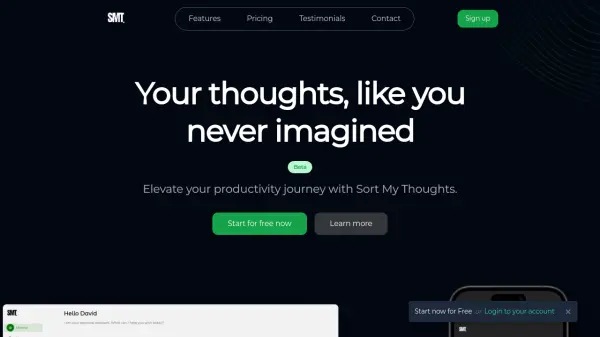
Sort My Thoughts is an AI-powered personal assistant designed to streamline your productivity. Harness the power of AI to organize tasks, set reminders, and optimize your daily workflow. The application provides a rich text editor, allowing for a variety of formatting options like bold, italics, bullet points, and code snippets.
Enjoy seamless synchronization across all your devices, ensuring your notes and schedule are always accessible. The robust search feature helps you to effortlessly find the information you need and the smart notification will keep you on the top of the game.
Features
- AI Powered Assistant: Your own personal assistant.
- Rich syntax: Freedom to express yourself with a rich and versatile syntax.
- Seamless Integration: Sync Sort My Thoughts across all your devices.
- Search Made Simple: Find what you need, when you need it.
- Effortless Organization: Tag your notes and color-code your schedule.
- Smart Notifications: Receive timely reminders and priority notifications.
- Daily summaries: Get everyday summaries.
- Weekly reminders: Get weekly reminders.
- Smart scheduling: Let Sort My Thoughts be your personal scheduler.
- Rich highlighting: Experience the freedom to express yourself with a rich and versatile syntax.
- Keyboard shortcuts: Navigate and use commands with keyboard shortcuts
Use Cases
- Organizing notes and tasks
- Setting reminders and deadlines
- Optimizing daily workflow
- Scheduling meetings and events
- Generating daily and weekly summaries
- Cross-device note synchronization