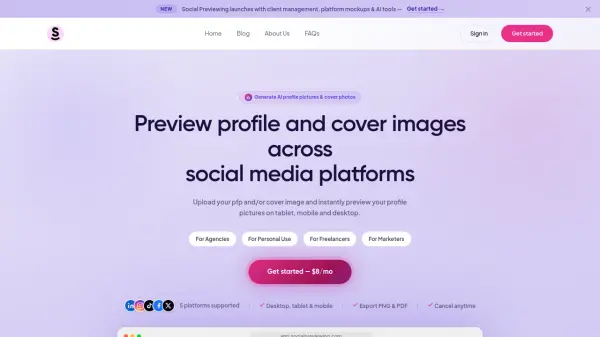
What is SocialPreviewing?
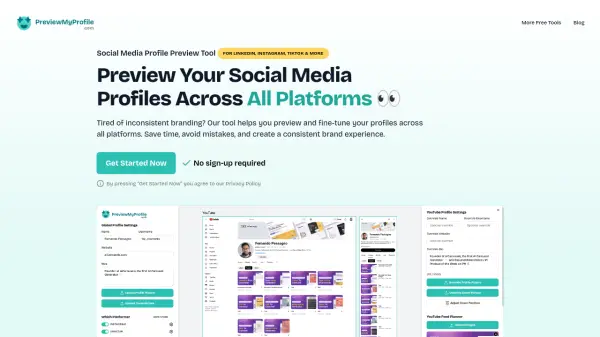
SocialPreviewing is a comprehensive social media profile picture testing and preview tool designed for brands, marketers, freelancers, and agencies. It allows you to upload your profile picture and cover image and instantly see how they will appear across major social media platforms, including LinkedIn (personal and business), Instagram, TikTok, Facebook (personal and business), and X. The tool displays previews on desktop, tablet, and mobile views, helping you ensure your images look perfect on every device.
Beyond real-time previews, SocialPreviewing offers robust client management features, enabling you to save and manage multiple clients, generate previews for each, and share live approval links. You can export your previews as PNG or PDF files without watermarks. The tool also includes AI-powered brand asset extraction, automatically pulling logos and cover photos from any URL. With a simple $8 per month subscription, users get unlimited access to all platforms, features, and devices, with no hidden fees and cancel anytime.
Features
- Real-time Previews: See how your profile pictures and cover images look on different social media platforms instantly on desktop, tablet, and mobile.
- Multi-Platform Support: Preview images across LinkedIn (personal and business), Instagram, TikTok, Facebook (personal and business), and X.
- Client Management: Save and manage multiple clients, generate previews for each, and share live approval links.
- Export Options: Download previews as PNG or PDF files with no watermarks.
- AI Brand Assets: Automatically pull logos and cover photos from any URL using AI.
Use Cases
- Previewing social media profile pictures and cover photos before publishing.
- A/B testing different images, crops, and filters side by side.
- Designing and approving social media visuals for clients in an agency.
- Ensuring brand consistency across multiple social media profiles.
- Avoiding blurry uploads, cut-off logos, and bad crops on social media.
FAQs
-
What is SocialPreviewing?
SocialPreviewing is a tool that lets you upload your profile picture and cover image and instantly preview how they'll look across LinkedIn, Instagram, TikTok, Facebook, and X — on desktop, tablet, and mobile. -
Which platforms are supported?
We currently support LinkedIn (personal and business), Instagram, TikTok, Facebook (personal and business), and X. More platforms are on the roadmap. -
Can I export my previews?
Yes — you can export your previews as PNG or PDF files with no watermarks. Perfect for sharing with clients or getting internal approval before going live. -
How much does it cost?
SocialPreviewing is $8/month with full access to every feature, every platform, and every device. No hidden fees. Cancel anytime. -
Can I cancel anytime?
Yes, you can cancel your subscription at any time with no questions asked. You'll retain access until the end of your current billing period.