What is SnapToFix?
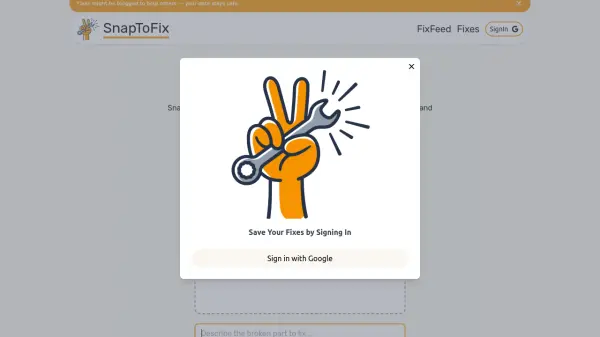
SnapToFix is an innovative AI-powered platform designed to help users diagnose and repair household appliances, gadgets, furniture, and similar items. By uploading a clear image and providing a relevant description of the problem, individuals receive instant, step-by-step repair instructions tailored to the reported issue. The platform leverages a combination of advanced image analysis and user-provided context to generate accurate and actionable solutions.
The service further enhances user experience by integrating community support, allowing users to share their repair issues and receive additional input from others. This combination of AI and collaborative troubleshooting makes SnapToFix a reliable destination for those seeking effective do-it-yourself repair guidance, all while ensuring the safety and privacy of user data.
Features
- AI Image Analysis: Uses advanced AI to analyze uploaded images for faults.
- Contextual Understanding: Accepts text descriptions to improve diagnosis and repair guidance.
- Instant Step-by-Step Solutions: Provides immediate, customized repair instructions.
- Community Support: Allows issues to be shared on FixFeed for collaborative problem-solving.
- Privacy-Focused: User data remains safe and secure throughout the process.
Use Cases
- Fixing broken household appliances using DIY guidance.
- Repairing gadgets such as smartphones and tablets with image-based instructions.
- Restoring damaged furniture by leveraging both AI and community expertise.
- Getting troubleshooting steps for electronic or mechanical issues.
- Seeking additional repair support from a knowledgeable community.
FAQs
-
How does SnapToFix provide repair suggestions?
SnapToFix uses AI to analyze uploaded images and accompanying descriptions of the problem to offer immediate, tailored, step-by-step repair instructions. -
Is it necessary to provide a text description with my image?
While not mandatory, adding a detailed text description helps the AI deliver more accurate and relevant repair solutions. -
What types of files can I upload?
You can upload images in PNG, JPG, JPEG, and WebP formats. -
Can others help with my repair issue?
Yes, by choosing to share your issue on FixFeed, you can receive additional advice and support from the SnapToFix community.