
What is SnapSave?
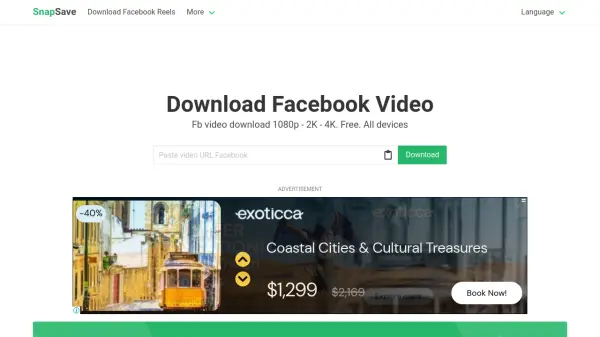
SnapSave is a specialized online tool designed for downloading videos from Facebook in the highest possible quality, including 4K resolution. It supports various video types such as regular posts, Stories, Live streams, and content from public or private groups. The tool operates directly through a web browser, eliminating the need for software installation, and is compatible with devices running Android, iOS, or desktop operating systems.
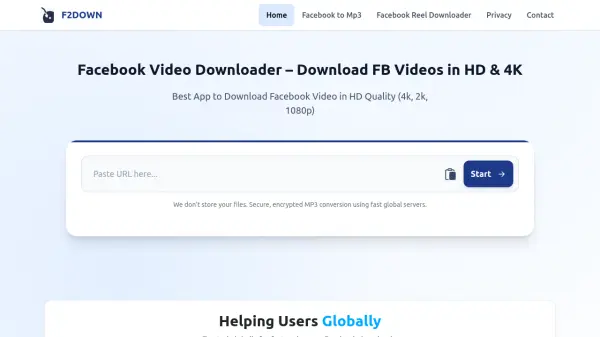
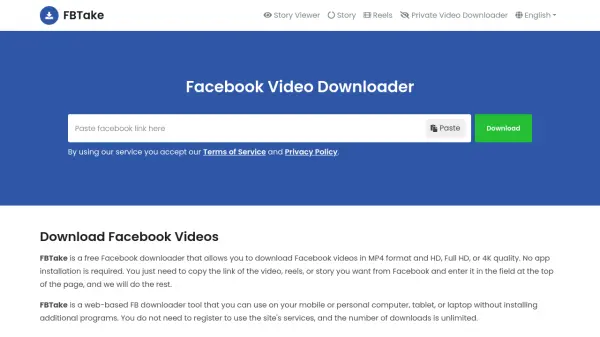
To use SnapSave, users simply copy and paste a Facebook video link into the tool, select their desired output quality, and initiate the download. The service is completely free, supported by advertisements, and does not store or archive downloaded videos, ensuring user privacy. It also handles high-quality videos by downloading audio and video separately and rendering them together when necessary.
Features
- High-Quality Downloads: Supports downloading Facebook videos in Full HD, 2K, and 4K resolutions with sound
- Multi-Platform Support: Works on Android, iOS, and desktop devices without requiring software installation
- Free Service: Completely free to use with no subscription fees, supported by advertisements
- Video Type Support: Capable of downloading various Facebook video types including regular posts, Stories, Live streams, and group videos
- Easy Process: Simple three-step process involving copying links, selecting quality, and downloading
Use Cases
- Downloading Facebook Reels for offline viewing
- Saving Facebook Stories from friends or public accounts
- Archiving Facebook Live streams after they conclude
- Collecting video content from Facebook groups for personal use
- Storing high-quality Facebook videos on mobile devices or computers
FAQs
-
Can SnapSave download videos from other social media platforms?
Yes, according to the homepage content, SnapSave also supports downloading videos from Instagram, TikTok, Twitter, and Threads in addition to Facebook. -
Does SnapSave work on all web browsers?
Yes, SnapSave works through any web browser on compatible devices without requiring specific browser installations. -
How long does it take to process and download a video?
Processing time varies depending on video quality and server load, especially for high-quality videos that require separate audio and video rendering. -
Is there a limit to how many videos I can download?
No specific download limits are mentioned, suggesting users can download multiple videos freely. -
What happens if a download fails or encounters an error?
Users can retry the download process or contact support through the provided contact link for assistance.