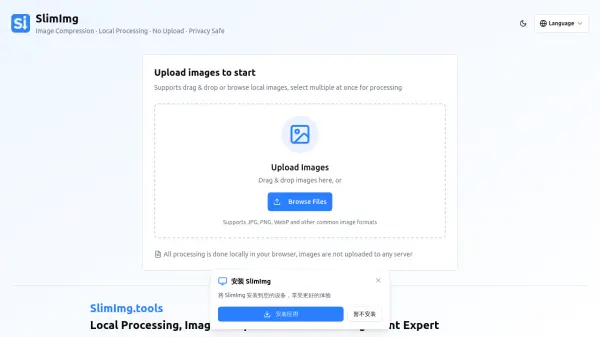
What is SlimImg?
SlimImg is an image optimization tool that operates entirely within your browser, eliminating the need for file uploads to external servers. It allows users to compress images by adjusting compression ratios to balance clarity and file size, while also providing options to modify or erase sensitive metadata such as EXIF and GPS data. This local processing approach ensures enhanced privacy and faster operation, making it ideal for improving website performance and securing personal information.
By processing images locally, SlimImg reduces privacy risks and waiting times associated with data transfers. Users can benefit from optimized images that enhance website speed, save storage space and bandwidth, and enable secure sharing by removing sensitive details. The tool supports common image formats like JPG, PNG, and WebP, offering a straightforward solution for efficient image management directly from the browser.
Features
- Precise Compression: Freely set compression ratio to balance image clarity and file size, significantly reducing image volume
- Privacy Control: One-click modify or completely erase sensitive metadata such as EXIF and GPS location in photos to protect personal privacy
- Local Processing: All operations are performed locally in the browser without sending images to any server, eliminating privacy risks and reducing waiting time
Use Cases
- Compressing images to reduce file size for faster website loading
- Removing EXIF and GPS metadata from photos before sharing to protect privacy
- Optimizing images to save storage space and network bandwidth
- Improving website SEO by reducing image file sizes for better performance