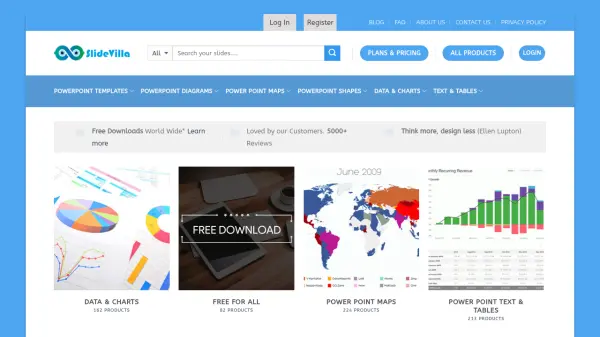
What is SlideVilla?
SlideVilla is a comprehensive platform providing a vast collection of presentation templates and design elements for PowerPoint and Google Slides. The service offers over 40,000 editable templates across multiple categories including business presentations, diagrams, world maps, charts, and shapes. All templates are fully customizable in size, color, and structure, compatible with PowerPoint, Google Slides, Keynote, and OpenOffice.
The platform enables users to download ready-made slides to accelerate presentation creation while maintaining professional quality. With both free and premium membership options, SlideVilla serves various presentation needs from formal business contexts to creative projects, helping users focus on content rather than design complexities.
Features
- Extensive Template Library: Over 40,000 editable PowerPoint and Google Slides templates across multiple categories
- Fully Customizable Designs: All templates and slide objects can be edited in size, color, and structure
- Multi-Platform Compatibility: Templates work with PowerPoint, Google Slides, Keynote, and OpenOffice
- Instant Downloads: Quick access to templates after selection or purchase
- Categorized Content: Organized templates by type including diagrams, maps, charts, shapes, and business presentations
Use Cases
- Creating business presentations for meetings and conferences
- Developing educational slides for classroom or training sessions
- Designing marketing and sales pitch decks
- Preparing project management and roadmap presentations
- Building resume and career development presentations
- Creating health and fitness presentation materials
- Developing technology and innovation showcase slides