What is Slides Orator?
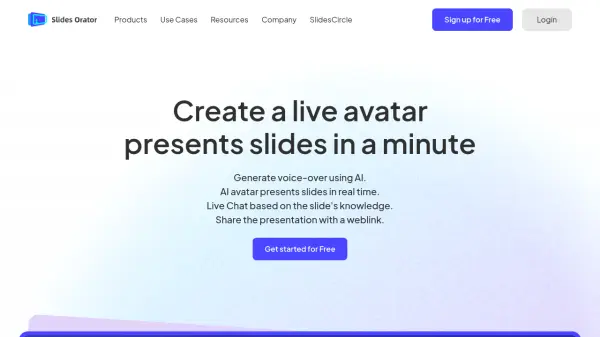
Slides Orator is an AI-powered platform designed to create engaging presentations using interactive 3D avatars. Users can upload their slide documents, and the tool utilizes Large Language Models (LLMs) to automatically generate narration for the content. This narration can be edited, and the results are previewed instantly through a real-time avatar playback feature, eliminating complex video editing processes.
The platform enhances audience interaction by providing a shareable web link where viewers can watch the AI avatar present the slides and ask questions related to the document's content via an LLM-based Q&A system. Users can supplement this system with additional knowledge documents. While optimized for live interaction via link sharing, Slides Orator also allows users to record the presentation playback locally to generate traditional video files at no extra cost.
Features
- AI Narration Generation: Automatically generates editable voice-overs for slides using LLMs.
- Real-time Avatar Playback: Instantly previews narration and edits with a 3D avatar presenter.
- LLM-based Live Q&A: Enables audiences to ask questions about the presentation content via a shared link.
- Interactive Web Link Sharing: Provides a unique URL for audiences to view the avatar presentation and interact.
- Local Video Generation: Allows screen recording of the avatar presentation for offline video creation.
- Custom Character Creation: Offers the ability to create custom avatars (paid plans).
- Basic Voice Library Access: Provides a selection of voices for narration.
Use Cases
- Creating practice presentations as a speech copilot.
- Developing engaging enterprise training materials.
- Generating educational content and tutorials.
- Producing interactive product introductions and demonstrations.