What is Sip?
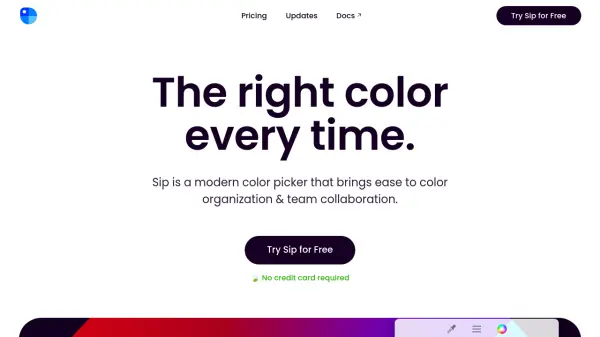
Sip is a modern color picker application designed for Mac users, focusing on efficient color organization and seamless team collaboration. It offers a menu bar app for quick palette editing, a main window for advanced color management, and a color dock for easy access to favorite colors without disrupting workflow.
The tool includes a precise color picker that operates twice as fast as previous versions, allowing users to select multiple colors and create palettes directly. It features a powerful editor for managing and sharing colors, custom formats tailored to specific needs, a contrast checker for accessibility improvements, smart profiles for consistent color results across environments, and simulations for different types of color vision.
Features
- Precise Picker: Allows quick selection of any color on screen, twice as fast as before, with shortcuts for multiple colors and palette creation
- Powerful Editor: Manage palettes, collaborate with teams, and edit colors with descriptions and sub-palettes for flexible organization
- Custom Formats: Choose from various color formats or create your own, shareable with team members or kept private
- Contrast Checker: Identify and improve low-contrast text and background colors for better accessibility
- Smart Profiles: Automatically apply correct color profiles when picking from different environments to ensure consistency
- Accessibility: Simulate how colors appear to people with different types of color vision, such as Protanopia or Deuteranopia
Use Cases
- Selecting and organizing colors for design projects
- Improving color accessibility in digital designs
- Collaborating on color palettes with team members
- Creating custom color formats for specific software or workflows
- Picking colors quickly from any on-screen content
FAQs
-
What happens at the end of my year of updates?
At the end of your year of updates, you can either extend your license for another year at half the price or stay with the version you downloaded indefinitely. -
How do I apply for an education discount?
To apply for an education discount, email a copy of a document proving you are in education; requests may take up to 2 business days to review. -
Do you offer refunds?
Yes, a full refund is available within 30 days of purchase if you change your mind; simply contact the support team.