What is Seedream 4.5?
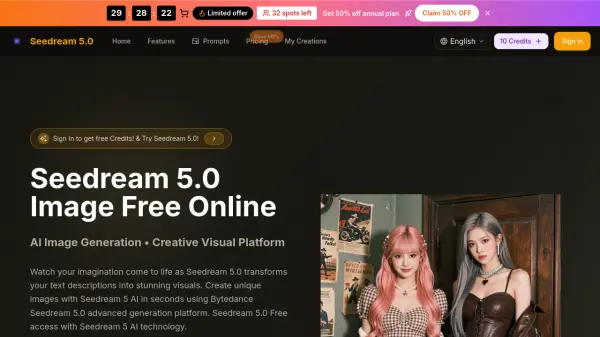
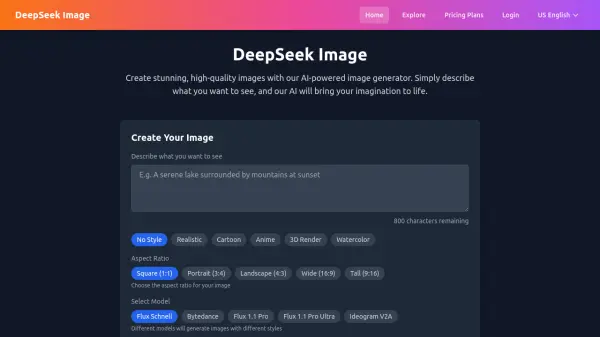
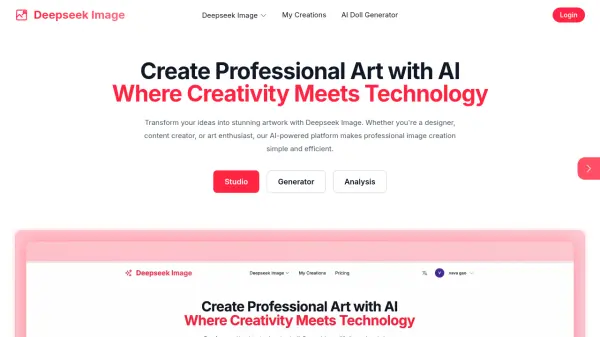
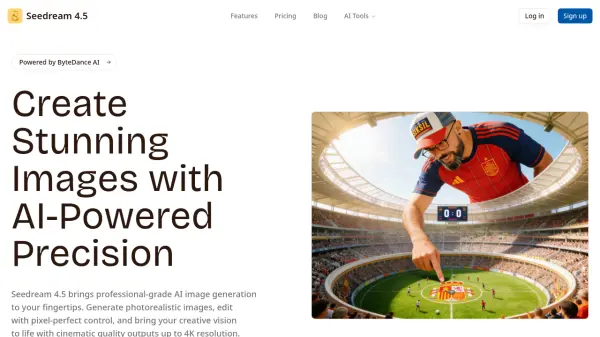
Seedream 4.5 is an advanced AI image generation platform that empowers creators to produce stunning, photorealistic visuals with professional-grade quality. Leveraging powerful AI models, it transforms text prompts and rough sketches into high-resolution images up to 4K, making it ideal for designers, marketers, and content creators.
Beyond basic generation, Seedream 4.5 offers robust editing capabilities including pixel-perfect control, multilingual text rendering, subject consistency across angles, and image upscaling. It supports various aspect ratios and allows batch generation, enabling efficient creative workflows for both individuals and teams.
Beyond basic generation, Seedream 4.5 offers robust editing capabilities including pixel-perfect control, multilingual text rendering, subject consistency across angles, and image upscaling. It supports various aspect ratios and allows batch generation, enabling efficient creative workflows for both individuals and teams.
Features
- AI Image Generation: Generate photorealistic images from text prompts with cinematic quality.
- Text Rendering: Produce clear, legible text within images for posters, diagrams, and mockups.
- Multilingual Typography: Support for English, Chinese, Japanese, Korean, Spanish, Arabic, and more.
- Sketch to Image: Convert rough sketches and scribbles into polished designs.
- 4K Image Generation: Produce high-resolution, print-ready images up to 4K.
- Subject Consistency: Maintain character resemblance, lighting, and scene continuity across angles.
- Variant Generation: Generate multiple image variations from a single prompt for faster exploration.
- Image Upscaling: Enhance images to 1K, 2K, or 4K resolution without noise or blur.
- Batch Generation: Generate multiple images efficiently for professional workflows.
- Reference Image Support: Upload up to 10 images (10MB each) for guided generation.
Use Cases
- Creating marketing visuals and social media content.
- Designing product mockups and brand materials.
- Generating illustrations for blogs, presentations, and publications.
- Producing consistent character art for virtual IPs and storytelling.
- Converting rough sketches into professional design concepts.
- Upscaling low-resolution images for high-quality print and digital use.
- Localizing content with accurate multilingual text rendering.
FAQs
-
What image formats does Seedream 4.5 support?
Seedream 4.5 supports JPG, PNG, and WebP formats for uploaded reference images. Generated images are typically available in high-quality formats suitable for print and digital use. -
How do credits work?
Credits are used to generate images. Different resolutions cost different amounts: 2K images use 10 credits, and 4K images use 20 credits. Free plans include limited credits per month, while paid plans offer more credits with additional benefits. -
Can I use generated images commercially?
Commercial use is allowed on paid plans (Starter, Pro, Studio, and One-time Pass). The Free plan does not include a commercial use license. -
What's the refund policy?
Refund policy details are not specified on the website. It is recommended to contact support for any refund-related inquiries.