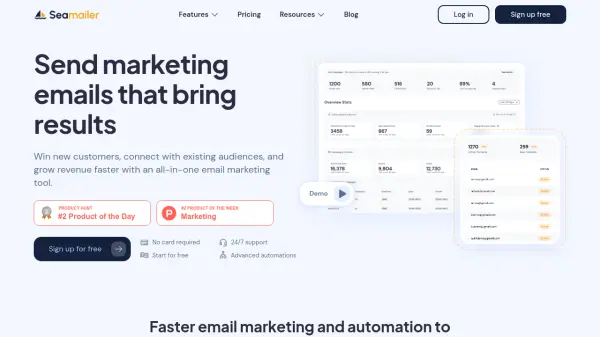
What is Seamailer?
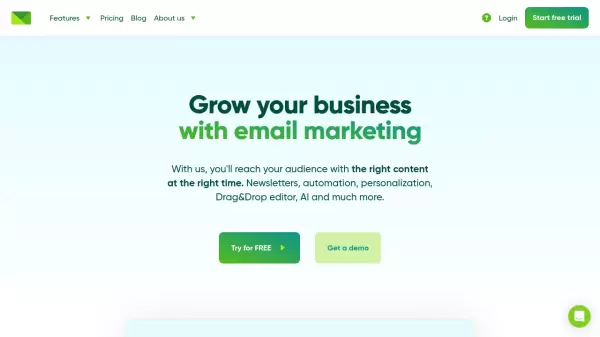
Seamailer provides a comprehensive email marketing solution focused on converting contacts into customers. It enables users to send or schedule personalized email campaigns with high deliverability rates, ensuring messages reach the intended audience effectively. The platform facilitates building automated marketing funnels and connecting with audiences through targeted messaging based on specific segments.
Users can monitor campaign performance, segment audiences with precision, and utilize detailed analytics to gain data-driven insights for optimizing future strategies. The service includes features like a user-friendly drag-and-drop email editor, customizable templates, and contact segmentation based on behavior, preferences, or demographics, making professional email creation accessible without coding skills. Integration capabilities with other tools and API/SDK access are also available to extend functionality.
Features
- Email Marketing: Send personalized emails designed to convert customers.
- Marketing Automation: Build automated funnels to deliver messages at the right time.
- Forms & Pages: Create forms and landing pages to capture leads.
- Reporting & Analytics: Track campaign performance and compare results for optimization.
- Customizable Templates: Utilize pre-designed layouts or create emails with a drag-and-drop editor.
- Audience Segmentation: Target specific audience segments based on behavior, preferences, or demographics.
- High Deliverability: Ensures emails reach inboxes with a 99% deliverability rate.
- API & SDKs: Integrate email functionality into existing applications.
Use Cases
- Sending targeted email campaigns to customer segments.
- Automating lead nurturing sequences like welcome emails and follow-ups.
- Building email subscriber lists through customizable signup forms.
- Analyzing email campaign effectiveness to refine marketing strategy.
- Integrating email marketing workflows with other business applications.
- Designing professional-looking marketing emails without needing coding expertise.
FAQs
-
Can I import all my contacts/subscribers?
Yes, you can import as many contacts or subscribers as you want into Seamailer. -
How does Seamailer handle exceeding monthly email limits?
Users on Free or Standard plans will be prompted to upgrade their plan if they exceed the limit. Pro plan users have more flexibility, governed by a fair use policy. -
Can I change my subscription plan later?
Yes, you can upgrade or downgrade your Seamailer plan at any time through your billing settings page. -
Is migration support available?
Yes, migration support is offered on all paid plans. Users with accounts spending over $100/month receive dedicated customer success manager assistance. -
How does Seamailer differ from other email marketing tools?
Seamailer emphasizes supporting growth without limits by not restricting features as users scale, focusing on audience conversion without the restrictive pricing tiers often found in other tools.