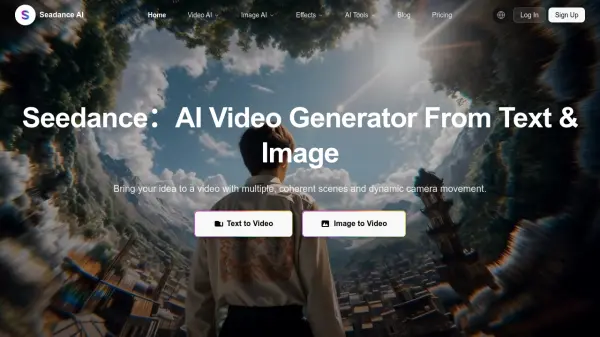
What is Seadance AI?
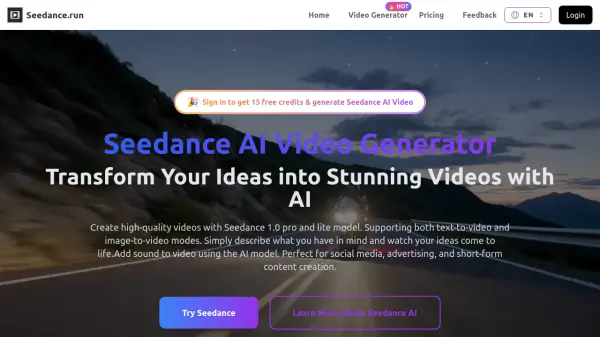
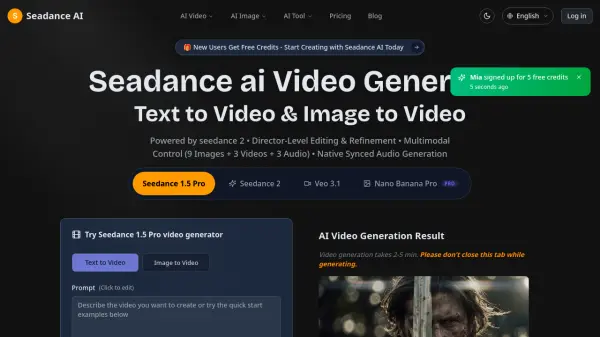
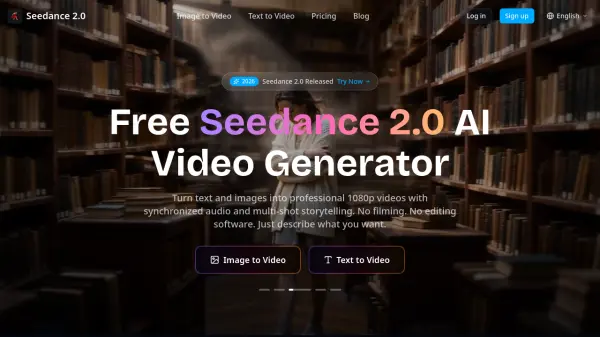
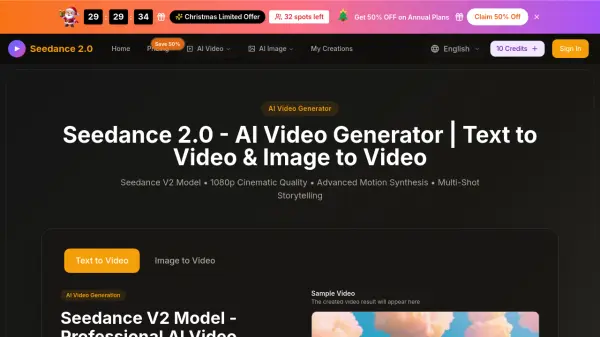
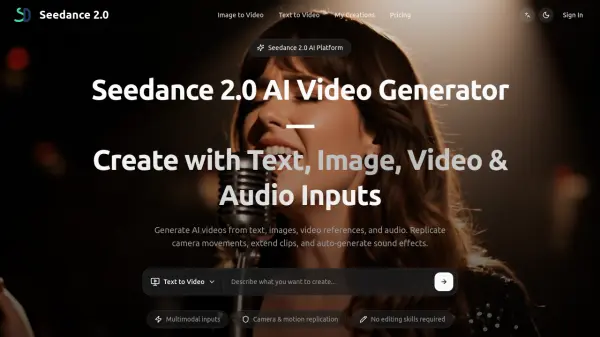
Seadance AI combines multiple AI models for video and image generation in a unified creative platform. The tool supports text-to-video, image-to-video, text-to-image, and image-to-image generation, powered by leading AI models including Seedance 2.0, Veo 3.1, Sora 2, Wan 2.5, Hailuo 2.3, and Seedream 5.0. Users can create professional multi-shot video sequences with automatic camera movements, consistent character styling, and seamless scene transitions from simple text prompts or reference images.
The platform includes specialized AI tools for photo editing, face swapping, background removal, and watermark removal. Users can generate 1080p HD videos with maintained character consistency across shots, apply one-click AI effects, and access template-based video creation. All content is processed securely with commercial licensing included in paid plans, making it suitable for social media content, advertisements, product demonstrations, and professional video production.
Features
- Multi-Shot Video Generation: Creates multiple connected scenes that flow seamlessly together with coherent storytelling
- Dynamic Camera Movement: Automatic camera pans, zooms, and tracking shots for professional cinematography
- Consistent Character & Style: Maintains character appearance and aesthetic across all generated scenes
- Multiple AI Models: Access to Seedance 2.0, Veo 3.1, Sora 2, Wan 2.5, Hailuo 2.3, and Seedream models
- Text to Video AI: Converts natural language descriptions into multi-shot video sequences
- Image to Video AI: Animates single reference photos into 5-10 second video clips
- 1080p HD Video Output: High-definition video generation ready for professional use
- AI Image Effects: One-click tools for face swap, background change, and image enhancement
- Template-Based Video Effects: Pre-tuned AI prompts for automated stylized video creation
- Batch Processing: Process multiple assets simultaneously for efficient workflow
Use Cases
- Creating social media content with multiple coherent scenes and professional camera movements
- Generating product demonstration videos from text descriptions or reference photos
- Producing marketing videos and advertisements with consistent branding and style
- Animating static product images into engaging video content for e-commerce
- Creating video thumbnails and key art from text prompts
- Generating storyboards and reference frames for video projects
- Developing hero shots and looping clips for social media platforms
- Creating personalized video content with face swap and background effects
- Producing educational or explainer videos from script descriptions
- Generating brand-consistent visual assets across video and design projects
How It Works
Describe Your Vision
Write a clear prompt that outlines subjects, setting, mood, and actions. Optionally add reference images to lock style and composition for better consistency.
Generate & Refine
Let the AI produce coherent multi-shot sequences with dynamic camerawork. Adjust details like duration, framing, or style until it matches your intent.
Export & Share
Preview the results and download high-definition output optimized for your target platform—ready for social, ads, or presentations.
FAQs
-
How is Seedance AI different from other AI video tools?
Seedance AI combines multiple leading AI video and image models (Seedance, Veo, Sora, Wan, Hailuo, Seedream) in one platform, enabling multi-shot video generation with consistent characters and dynamic camera movements, plus integrated image editing tools for a complete creative workflow. -
What is a 'prompt' and how can I write a good one?
A prompt is a text description that guides the AI's video or image generation. For best results, write clear descriptions that outline subjects, setting, mood, actions, and desired camera movements. You can also add reference images to improve consistency in style and composition. -
How does Seadance AI maintain consistency between shots?
Seadance AI uses advanced AI models that analyze and preserve character appearance, styling, and aesthetic elements across multiple generated scenes, ensuring visual continuity throughout your multi-shot video sequences. -
What is a 'credit' and how are they used?
Credits are the currency used within Seadance AI to generate videos and images. Different AI models and features consume varying amounts of credits based on complexity and processing requirements. Credits are included with each subscription plan. -
Can I use the videos for commercial purposes?
Yes, commercial licensing is included with paid subscription plans, allowing you to use generated videos for business purposes, advertisements, social media content, and professional projects.