What is Seedance 2.0?
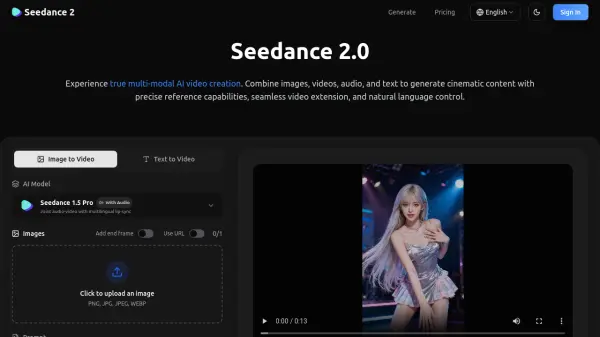
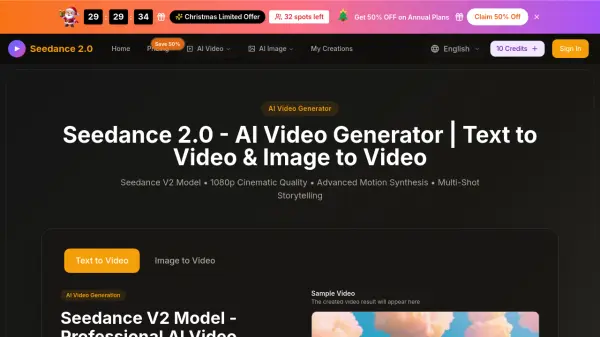
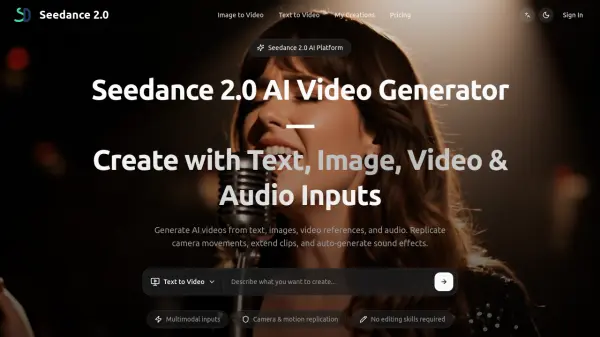
Seedance 2.0 is a multimodal video generation platform that combines text, image, video, and audio inputs to create professional video content. The platform accepts up to 9 images, 3 video clips, and 3 audio files alongside text prompts in a single generation workflow, allowing creators to control composition, motion, and tone simultaneously.
The platform features camera movement replication from reference videos, automatic sound effects and music generation, video extension capabilities, and character replacement functionality. Users can generate videos ranging from 4 to 15 seconds in 720p resolution, with support for one-take long shots, beat-matched music synchronization, and multi-segment video creation. The tool uses a credit-based system with transparent costs displayed before generation, making it suitable for social media content, e-commerce product videos, filmmaking pre-production, business presentations, and educational content creation.
Features
- Multimodal Input Support: Combine up to 9 images, 3 video clips, and 3 audio files with text prompts in a single generation
- Camera Movement Replication: Replicate camera trajectories, action pacing, and visual effects from reference videos
- Automatic Audio Generation: Auto-generate sound effects and background music synchronized to on-screen action
- Video Extension: Extend existing videos forward or backward while maintaining visual continuity
- Character Replacement: Swap characters or objects within videos while preserving motion and background consistency
- Beat-Matched Synchronization: Align video cuts, motion, and transitions to uploaded music rhythm
- One-Take Long Shots: Generate extended duration videos with consistent characters, environments, and camera flow
- Multi-Segment Generation: Create and merge multiple video segments with continuity between cuts
Use Cases
- Creating short-form video concepts for TikTok, Instagram Reels, and YouTube Shorts
- Producing product demonstration videos from product images for e-commerce platforms
- Storyboarding and visualizing scenes for film and video pre-production
- Generating video content for business presentations and training materials
- Creating music visualizations and experimental video art projects
- Developing educational explainer videos and visual learning content
- Drafting seasonal promotional video concepts with multiple variations
- Prototyping video ideas before final production investment
How It Works
Choose Input
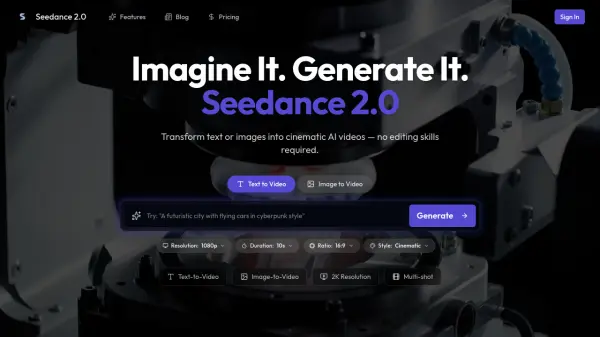
Select text-to-video or image-to-video mode, then enter a text prompt or upload reference materials including images, video clips, or audio files. You can combine up to 9 images, 3 videos, and 3 audio files in a single generation.
Configure Settings
Pick your preferred settings such as model type, aspect ratio, and video duration (4-15 seconds). Use the @ symbol in your prompt to assign specific roles to each uploaded file. Review the credit cost displayed before generation.
Generate and Refine
Start the generation process and wait for your video to be created. Once complete, iterate on your prompts and settings to refine the results, then export your video based on your plan's options and usage rights.
FAQs
-
What are credits and how do they work?
Credits are the currency used within Seedance 2.0 for video generation. Each generation consumes credits based on the settings and duration selected. The cost is displayed transparently before you start generation, allowing you to manage your credit budget across projects. -
What happens to unused credits at the end of the month?
Unused credits expire at the end of each monthly billing cycle and do not roll over to the next month. Plans renew with fresh credits each billing period. -
Can I upgrade or downgrade my plan anytime?
Yes, you can change your subscription plan at any time. When upgrading, you'll gain access to additional credits and features immediately. When downgrading, changes typically take effect at the next billing cycle. -
How long does video generation take?
Generation time varies based on your plan and current system load. Standard and Plus plan subscribers have access to a fast generation queue for priority processing, resulting in quicker turnaround times. -
Can I cancel my subscription anytime?
Yes, you can cancel your subscription at any time. Your access and credits will remain active until the end of your current billing period.