What is Script Debugger?
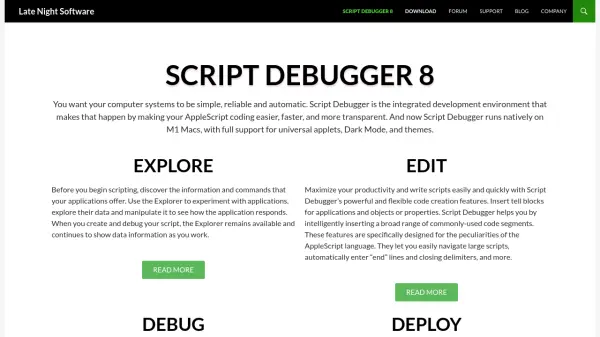
Script Debugger is an integrated development environment dedicated to AppleScript, designed to enhance productivity and simplify automation tasks on Macintosh systems. It provides a suite of tools for writing, editing, debugging, and deploying scripts, with features such as a Dictionary Explorer for visualizing application data, step-wise debugging for tracking variables, and powerful code completion to reduce errors. The tool supports native operation on Apple Silicon (M1) Macs, includes Dark Mode and customizable themes, and offers advanced deployment options like code signing and notarization.
With over 25 years of development, Script Debugger 8 introduces improvements like universal applet generation, enhanced editing commands, and streamlined workflows for exporting run-only applications. It caters to both beginners and experienced developers by making AppleScript more accessible and efficient, enabling users to automate repetitive tasks, optimize workflows, and create reliable script applications with ease.
Features
- Dictionary Explorer: Visualize live data within scriptable applications without writing code.
- Step-Wise Debugging: Execute scripts line-by-line with breakpoints to monitor variable values.
- Powerful Code Completion: Automatically complete variable names, commands, and AppleScriptObjC handlers.
- Split-Pane Editing & Code Folding: View multiple script sections simultaneously and collapse code portions.
- Customization: Create script templates, clippings, and assign keyboard shortcuts for repetitive tasks.
- Apple Silicon (M1) Support: Run natively on M1 Macs and generate universal applets.
- Enhanced Applets: Deploy standalone applications with improved interfaces and automatic updates.
- Code Signing & Notarizing: Integrate with SD Notary for secure application distribution.
Use Cases
- Automating repetitive manual tasks on Macintosh systems.
- Debugging and testing AppleScripts to ensure correct behavior.
- Developing standalone script applications for client distribution.
- Exploring application data and commands without writing code.
- Customizing workflows with script templates and keyboard shortcuts.
- Creating universal applets compatible with Intel and ARM architectures.
- Notarizing and code-signing scripts for secure deployment.
- Managing large scripts with split-pane editing and code folding.
FAQs
-
What is the difference between Script Debugger and Apple's Script Editor?
Script Debugger offers advanced features like step-wise debugging, dictionary exploration, code completion, and customization, while Apple's Script Editor is a basic tool with limited functionality. -
Does Script Debugger support the latest macOS versions and hardware?
Yes, Script Debugger 8 runs natively on Apple Silicon (M1) Macs and supports macOS Big Sur with features like Dark Mode and universal applet generation. -
Can I use Script Debugger to create standalone applications?
Yes, it provides enhanced applets with improved interfaces, automatic updates via Sparkle, and integration with SD Notary for code signing and notarization. -
Is there a free version of Script Debugger available?
Script Debugger Lite is offered as a simpler alternative to the full version, providing better features than Apple's Script Editor without all advanced tools. -
How does Script Debugger help with debugging AppleScripts?
It includes step-wise debugging to run scripts line-by-line, set breakpoints, and monitor variable values in real-time, eliminating the need for manual log statements.