What is Scoompa?
Scoompa is a mobile photography suite designed to provide users with a range of easy-to-use applications for enhancing, mixing, and creating entertaining photos and videos. The suite includes tools for photo editing with face makeover capabilities, photo and video collage makers, slideshow creation, and face-changing effects that add humor to images. With a design philosophy focused on doing one thing well and delivering value within four seconds of app launch, Scoompa has been downloaded and used by over 85 million people.
The suite features apps like Face Changer 2 for improved face-changing options, Photo Editor - Face Makeover for simple yet powerful editing, and Video Collage Maker for creating short video collages. Upcoming features include tighter integration between products, photography monetization tools, a community and sharing platform, and iOS versions. Recognized by Google as part of the "Must Have Apps" list and selected in Best Apps of 2014, Scoompa aims to make mobile photography fun and accessible.
Features
- Face Changer 2: New and improved version with many cool options for changing faces in photos
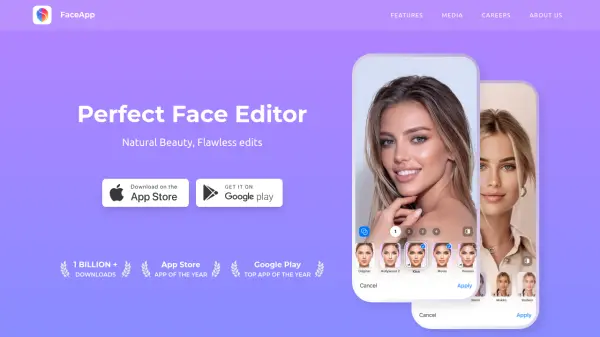
- Photo Editor - Face Makeover: Simple yet powerful photo editor with face makeover capabilities
- Photo Collage Maker: Instantly creates awesome photo collages from selected photos
- Slideshow Maker: Generates video slideshows from selected photos instantly
- Face Changer: Makes any photo into a funny one by twisting and editing faces
- Video Collage Maker: Creates beautiful short video collages from selected photos
- Face Changer Video: Changes and animates faces in photos by adding funny animated objects
Use Cases
- Enhancing personal photos with editing and face makeover tools
- Creating entertaining and funny images for social media sharing
- Making photo collages for memories or presentations
- Producing video slideshows from photo collections
- Adding humorous effects to photos for entertainment purposes
- Creating short video collages for events or social media