What is ScanMyKitchen?
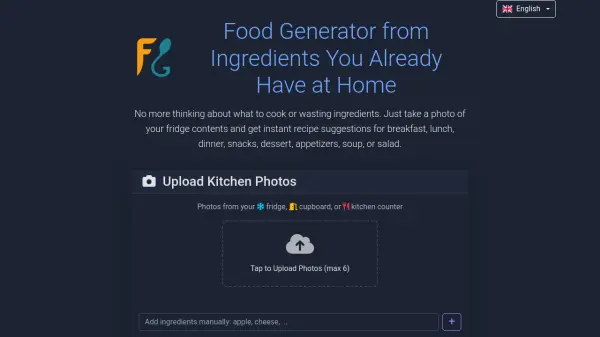
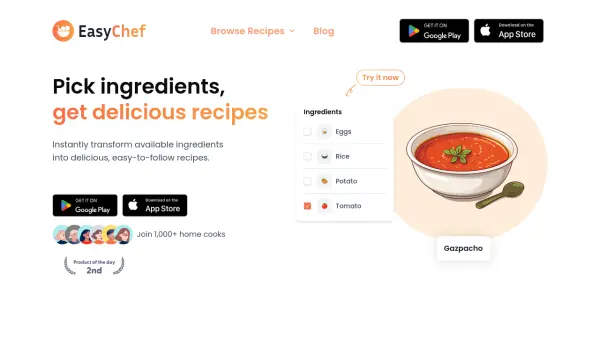
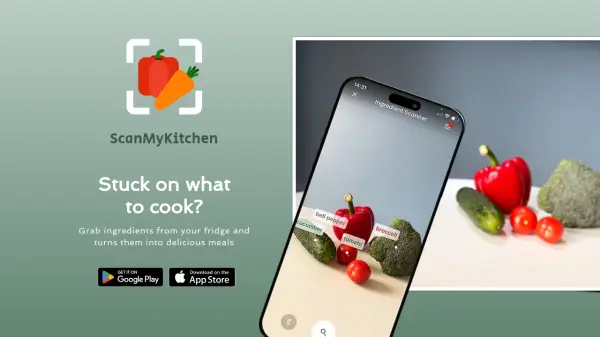
ScanMyKitchen is an innovative recipe discovery platform that transforms everyday ingredients into delicious meal possibilities. The application allows users to input ingredients they have on hand, either manually or through its beta camera scanning feature, and generates both traditional and AI-powered recipe suggestions.
The platform stands out with its user-friendly approach, requiring no sign-ups to access its features. Users can customize their recipe search with dietary preferences and meal types, while also having the flexibility to explore alternative cooking instructions and video tutorials for each recipe.
Features
- Ingredient Selection: Slide-based interface for including up to five ingredients
- Camera Scanning: Beta feature for automatic ingredient recognition
- Recipe Variety: Mix of traditional and AI-generated recipe suggestions
- Customizable Filters: Diet and meal type preferences
- Alternative Instructions: Access to different recipe formats and video tutorials
- No Sign-up Required: Instant access to all features
Use Cases
- Finding recipes with available ingredients
- Reducing food waste
- Meal planning with limited ingredients
- Discovering new recipe variations
- Quick meal ideas without grocery shopping
FAQs
-
How many ingredients can I input at once?
You can include up to five ingredients at a time using the sliding ingredient tiles. -
Do I need to create an account to use ScanMyKitchen?
No, sign-up is not required. You can open the app and start using it immediately. -
How accurate is the camera scanning feature?
The camera scanning feature is currently in beta and allows for manual fine-tuning after scanning to ensure accuracy.