What is Rumola?
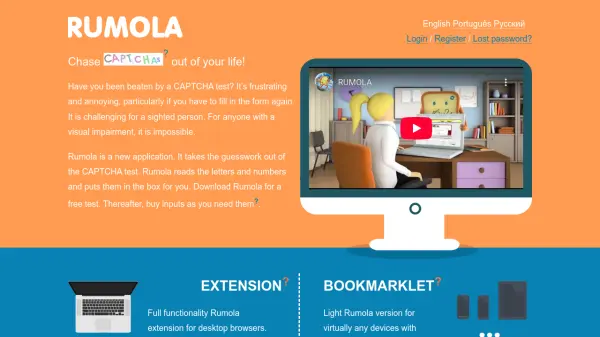
Rumola is an innovative application designed to eliminate the frustration of CAPTCHA tests by automating the solving process. It utilizes artificial intelligence to read letters and numbers from CAPTCHA challenges and inputs them directly into the required fields, saving time and reducing errors for users.
The tool offers two versions: a full-featured browser extension for desktop use and a lightweight bookmarklet compatible with various devices. Rumola is particularly beneficial for individuals with visual impairments, providing an accessible solution to a common online barrier. Users can test the tool for free before purchasing credits as needed.
Features
- AI-Powered CAPTCHA Solving: Automatically reads and inputs letters and numbers from CAPTCHA tests
- Browser Extension: Full functionality for desktop browsers with immediate installation
- Bookmarklet Version: Lightweight option for use on virtually any device with internet access
- Accessibility Focus: Designed to assist blind and visually-impaired people with detailed setup instructions
- Free Trial: Allows users to test the tool before purchasing credits
Use Cases
- Automating CAPTCHA completion for faster form submissions
- Assisting visually impaired users in accessing online services
- Reducing frustration and errors when dealing with CAPTCHA tests
- Streamlining online workflows that require frequent CAPTCHA solving
FAQs
-
How does Rumola help visually impaired users?
Rumola reads CAPTCHA letters and numbers aloud and inputs them automatically, making online forms accessible without visual interaction. -
What is the difference between the extension and bookmarklet?
The extension offers full functionality for desktop browsers, while the bookmarklet is a lightweight version for various devices. -
Is registration required to use Rumola?
No, you can use the free trial without an account; an account is created only after purchasing credits. -
How do I start using Rumola?
Install the browser extension or drag the bookmarklet to your toolbar, then activate it on CAPTCHA pages to begin solving.