What is Rewatch?
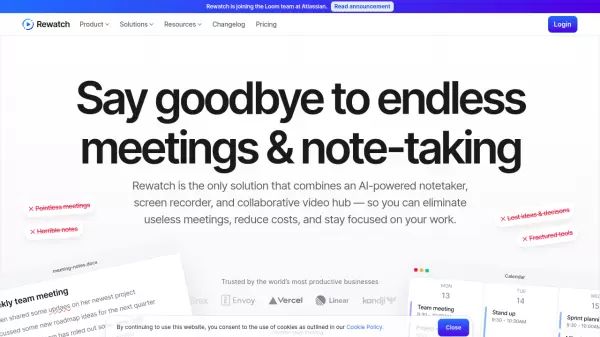
Rewatch is a comprehensive meeting management solution that transforms how organizations handle their meetings and video communications. The platform combines an AI-powered notetaker, screen recorder, and collaborative video hub to help teams eliminate unnecessary meetings while preserving important information.
The platform offers automatic meeting recording, AI-generated summaries, action item tracking, and a centralized video workspace with unlimited storage. It integrates seamlessly with popular tools like Zoom, Microsoft Teams, Slack, and various other enterprise applications while maintaining enterprise-grade security standards.
Features
- AI Meeting Assistant: Automatic meeting notes, summaries, and action items
- Video Hub: Centralized storage and organization of all meeting recordings
- Screen Recording: Desktop and mobile recording capabilities
- Transcription: Multi-language support with custom vocabulary
- Integrations: Connects with major enterprise tools and calendars
- Analytics: Comprehensive meeting ROI and usage insights
- Search Functionality: Advanced search across all meeting content
- Security: Enterprise-grade security with SSO and SCIM provisioning
Use Cases
- Meeting reduction and optimization
- Cross-team collaboration
- Knowledge management
- Voice of customer documentation
- Conversation intelligence
- Asynchronous communication
- Team alignment
- Employee onboarding
FAQs
-
What is the maximum number of users supported?
The Free plan supports up to 5 users, Team plan up to 250 users, and Enterprise plan offers unlimited users. -
What languages are supported for transcript translation?
Rewatch supports transcript translation in over 30 different languages. -
Which video conferencing platforms integrate with Rewatch?
Rewatch integrates with Zoom, Microsoft Teams, and Google Meet for automatic recording and syncing. -
What security features are available for Enterprise customers?
Enterprise customers get SAML SSO, SCIM provisioning, SOC 2 Type II compliance, ISO certifications, and secure video watermarking.